

Manita
Lavega Games
Create a personalized AI companion who lives on your desktop and remembers you. Shape Manita’s personality, emotions, appearance and voice, then talk with her by text or voice.
Overview
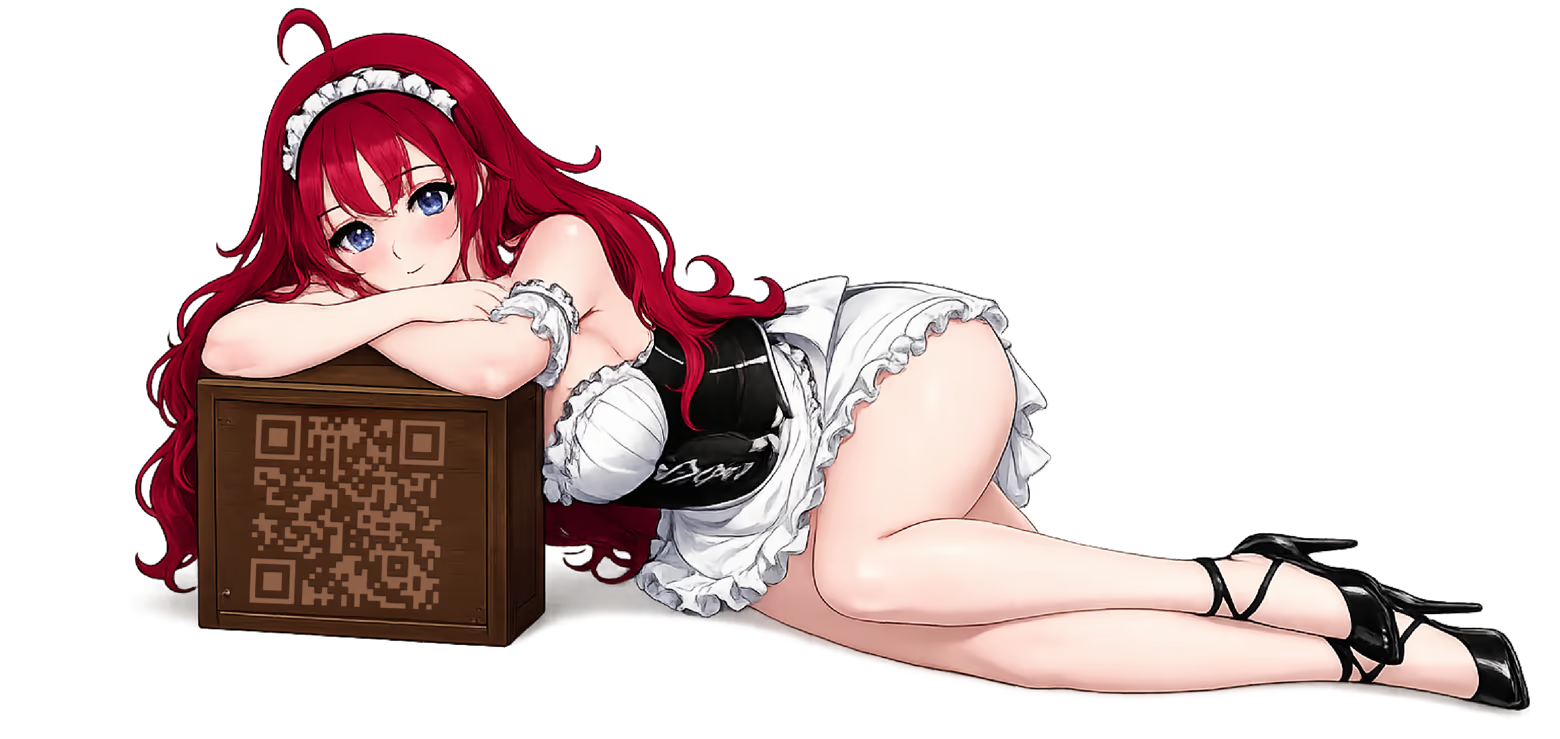
CREATE WHO SHE IS
Manita is a customizable AI companion who lives directly on your desktop.
Start by telling her about yourself your name, preferences, likes and dislikes.
Then create the companion you want to meet.
Choose who Manita is, customize how she looks and sounds, and shape the personality behind every conversation.
You don't just choose how Manita looks. You decide who she is.
SHE REMEMBERS YOU
anita remembers you and your previous conversations across sessions.
The information you share gives future conversations context, so every time you return, you're talking to a companion who already knows something about you.
TALK BY TEXT OR VOICE
Start a conversation whenever you want.
Type your messages or speak through your microphone and Manita responds with live AI-generated dialogue powered by Grok. Talk naturally with the companion you created, directly from your desktop.
A COMPANION ON YOUR DESKTOP
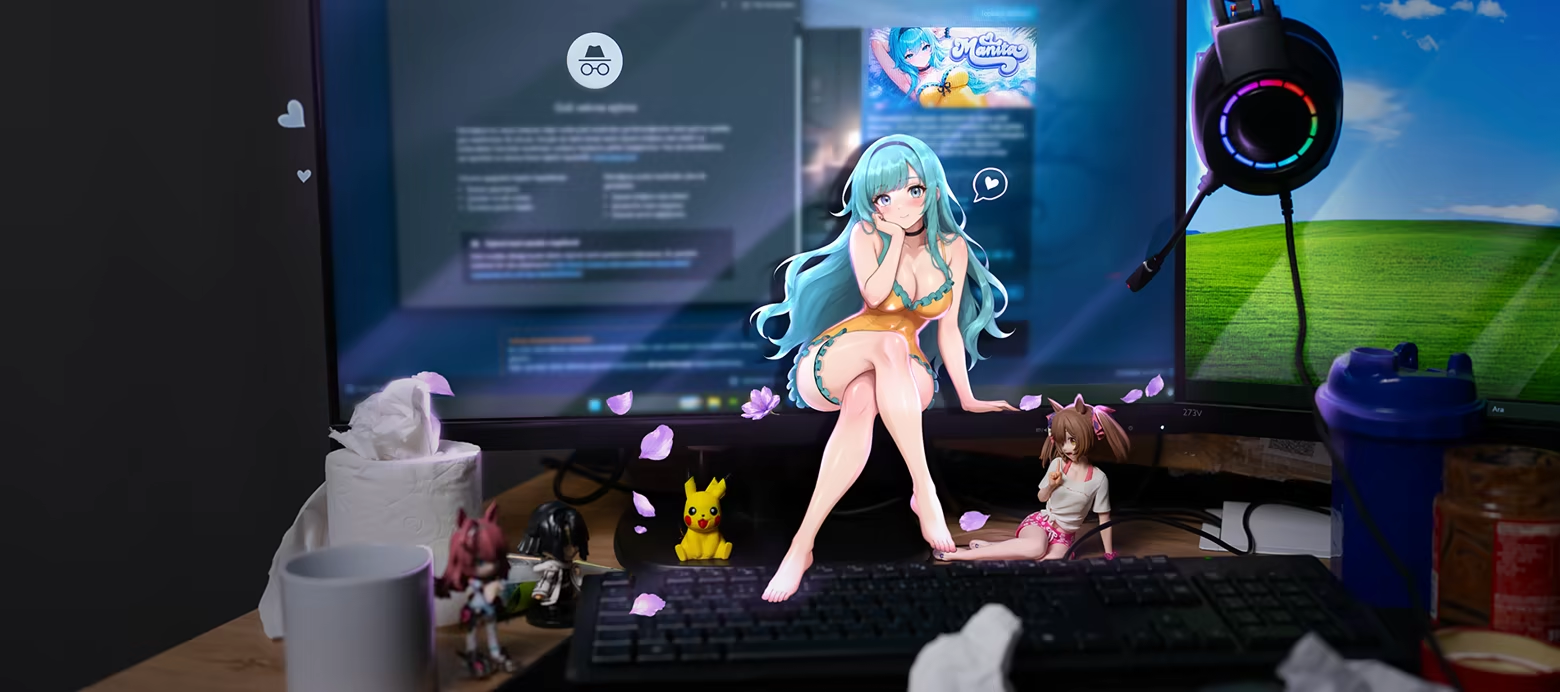
Once you've created her, Manita appears directly on your PC desktop.
Click to interact with her, start a conversation, reposition her on your screen or open her menu while continuing to use your computer.
From there, your conversations, Wardrobe, Store, reminders and character settings are always close by.
CUSTOMIZE HER PERSONALITY
Fine-tune the personality you want Manita to have.
Choose from different personality types and archetypes, select emotional tendencies, and adjust traits including:
Empathy • Anger Response • Happiness • Fear • Patience • Self-Confidence
These settings form the foundation of how Manita behaves and responds during conversations.
MAKE HER YOUR OWN
Customize Manita's appearance and voice to create a companion that feels personal to you.
Change her hair, eye color, skin tone, outfits and other cosmetic options, then return to Character Settings whenever you want to adjust her setup.
 ALARMS, REMINDERS & COUNTDOWNS
Keep useful everyday tools within reach.
Use Manita's built-in interface to manually create alarms, reminders, countdowns and calendar-style alerts while she stays on your desktop.
GOOD TO KNOW
Manita's live AI conversations are powered by Grok and require an internet connection.
The base game includes 10 starting AI tokens. AI conversations consume tokens, and additional tokens can be purchased separately.
Optional randomized cases contain cosmetic customization items only and do not affect Manita's AI capabilities.
The feel
Genres
Ways to play
- Single-player
Weak PC? It still plays
Play Manita on a weak PC
Manita needs at least 2 GB of RAM and 128 MB of VRAM. Cloud PC is a Windows computer with a strong GPU in the cloud. You control it from your laptop, phone or desktop.
Turn on Cloud PC
Log in to Thinkmay and start your machine. You get a Windows desktop of your own.
Install the game
Install Manita from Steam as you would at home.
Play on any device
Play on a laptop, phone or desktop. Controllers and microphones work.
Games with a similar feel
Chill · Cozy

Loop Miner

Duck Collector

Bite 2 ur Door

Crustacean Station!

Shelf Happens

Don't Stop The Pop!

How to Grow Your Sausage

Powdertron

Dig & Deal

Too Many Balls

Gamer Stop Simulator

Pressure Works

Better Chaos

Knode: Untangle & Connect

Supermarket Empire Together

Tidying Simulator

Fidget Toy Engine

Tiny Farmie

Mellow Flavor Alley

Shelfbound

Desktop Cooking: Panda Diner

Seed Shop: Tidy Up!

Sole Mates: Tidy Up the Shoe Store
