
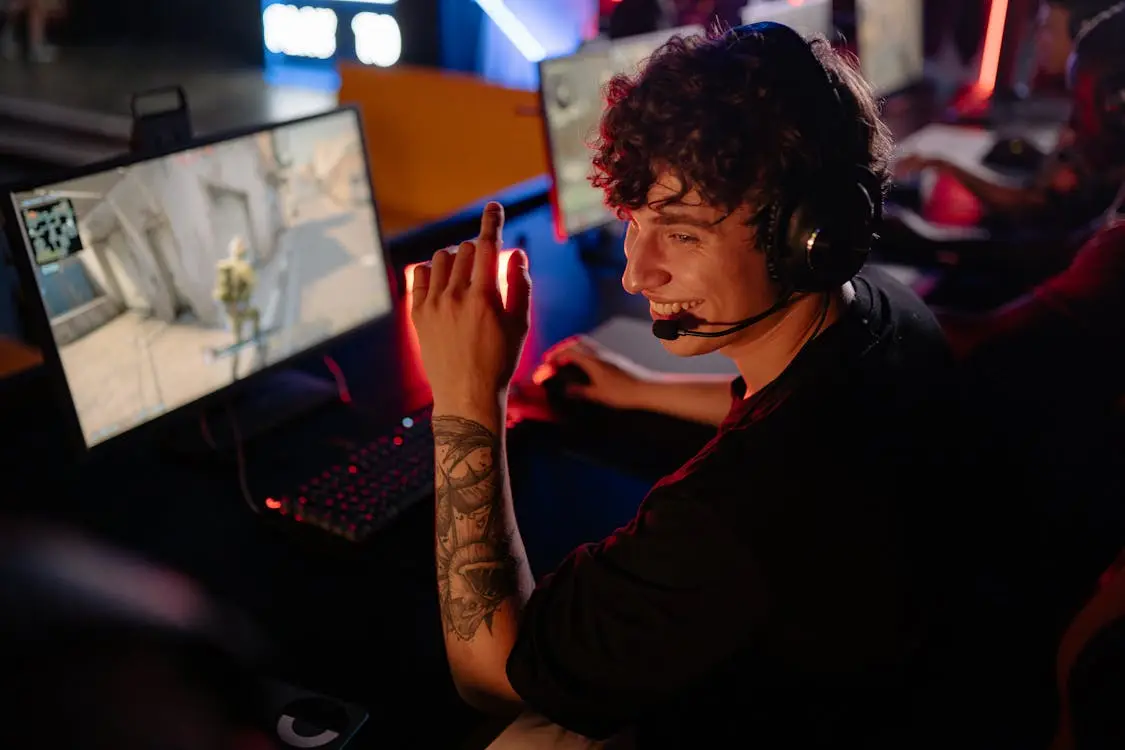
Cloud gaming solves the hardware problem
Modern PC games often require expensive GPUs, large SSDs, and hours of updates. Thinkmay moves that work to a remote Windows 11 machine, so your local device only needs to stream video and send input.
You access a full Windows desktop where you can install launchers, sign in to Steam, Epic Games, Garena, EA App, or other publishers, and configure games the way you would on a local PC.
- Play PC games from a browser
- Avoid filling local storage with huge installs
- Use your own launcher and game accounts
Thinkmay combines high-performance Cloud PCs, WebRTC streaming, and persistent session storage so users can return to work or games quickly.
Mobile controls and persistent saves
Thinkmay supports customizable virtual gamepads for phones and tablets, plus physical controllers when your device and browser expose them correctly.
Paid plans include persistent storage so installed games, mods, save files, and controller layouts remain available between sessions.
- Virtual gamepad overlays for mobile
- Controller, keyboard, mouse, touch, and microphone input
- Paid-plan storage for saves, mods, and settings
Trial, wallet, and route testing
Start with a trial to test your connection, then top up your wallet and use balance for active machine time or plan renewals.
If the stream feels unstable, network testing and route selection can help avoid local ISP congestion.
- Free trial for latency testing
- Flexible wallet-based billing
- Network route tools for unstable connections
Cloud gaming vs. a LAN café or building a PC
A LAN café or a home gaming PC both require you to travel to a fixed location or pay upfront before you can play. Cloud gaming removes both — you pay only for active time, from any device with a browser.
| Criteria | LAN café | Gaming PC | Thinkmay Cloud Gaming |
|---|---|---|---|
| Upfront cost | None | High (GPU + components) | None |
| Ongoing cost | Per hour on-site | Electricity + maintenance | Pay-as-you-go wallet |
| Hardware | Fixed by venue | Self-upgraded | RTX 3060Ti / RTX 5060Ti tiers |
| Where you play | Café only | Home only | Any browser, anywhere |
Which plan should you pick?
Thinkmay offers tiered Cloud Gaming/Cloud PC plans — check the pricing page for current details.
- Trying it for the first time: entry hourly plan, RTX 3060Ti 8GB
- Playing regularly and want saved progress: monthly plan, RTX 3060Ti 8GB
- Unlimited hours and the strongest GPU tier: monthly Pro plan, RTX 5060Ti 16GB
Frequently Asked Questions about Cloud Gaming
What is cloud gaming?
Cloud gaming runs the game on a remote machine and streams the video to your device. Your controls are sent back over the internet, so a low-spec phone or laptop can play games that require stronger hardware.
Do I need to own the games?
Yes. Thinkmay provides the Cloud PC hardware and streaming platform. You need to own paid games on Steam, Epic Games, EA App, Rockstar, Garena, or other publisher accounts.
What internet speed do I need?
For 1080p gameplay, a stable 15-20 Mbps connection is a good starting point. A 5GHz Wi-Fi network or wired Ethernet connection usually performs better than crowded 2.4GHz Wi-Fi.
Can I use a controller?
Yes. Thinkmay supports browser gamepad input when your device and browser expose the controller correctly. Mobile users can also use the built-in virtual gamepad overlay.
How is Cloud Gaming different from Cloud PC?
Cloud Gaming is tuned for jumping into a game quickly. Cloud PC gives you a full Windows desktop for installing extra software, working, or running multiple apps alongside games.
Is there a free trial?
Yes. Alongside the entry hourly plan, Thinkmay offers a free Cloud Gaming trial so you can check latency and device compatibility before topping up your wallet.