
A new way to rent a computer online: instant access, no delivery wait
Traditional computer rental services require you to wait for delivery, sign a contract, and pay a deposit — sometimes taking one to two days before you can use the machine. Thinkmay works differently: sign up, choose a plan, launch a Cloud PC, and start using it within minutes from your browser.
The machine runs in a datacenter. Your device only receives the video stream and sends your input — which means a low-spec laptop, Android phone, iPhone, or MacBook all work without any hardware upgrade.
- Physical rental: 1–2 day delivery wait, deposit, contract required
- Thinkmay Cloud PC: live in under 1 minute, no deposit, cancel anytime
- Works on laptop, phone, tablet, Mac — browser only
- No hardware to buy, maintain, or upgrade at home
Thinkmay combines high-performance Cloud PCs, WebRTC streaming, and persistent session storage so users can return to work or games quickly.
What can you use a Cloud PC for?
Thinkmay works for a wide range of use cases, from gaming to professional workloads. The RTX 5060Ti GPU and full Windows 11 environment handle tasks that most personal devices cannot.
No matter what device you are on, the Cloud PC runs in the datacenter — so performance does not depend on your local hardware.
- PC gaming: GTA V, FiveM, FC Online, Black Myth Wukong — even on a phone
- Remote work: run Windows software on a Mac, office laptop, or Chromebook
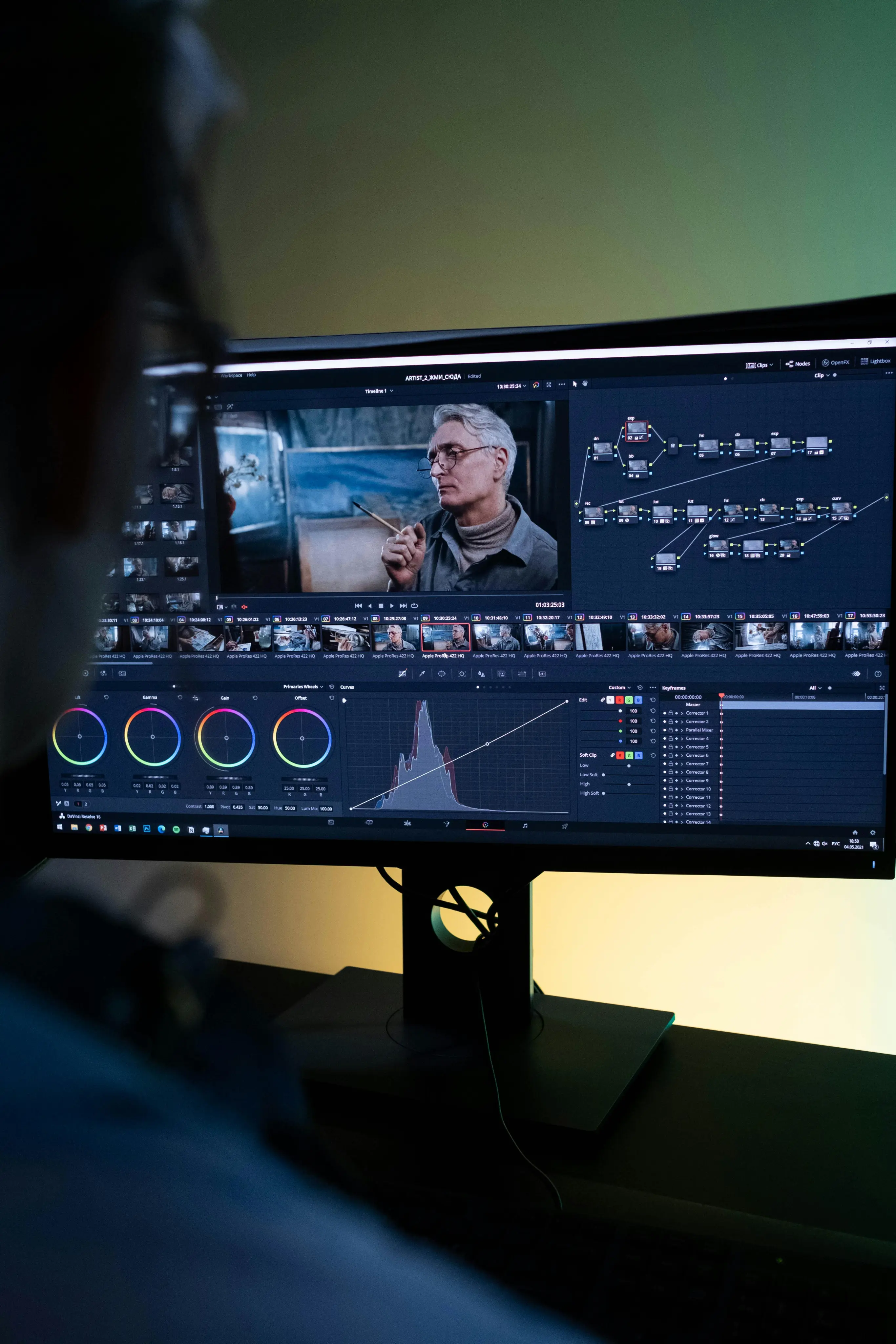
- Rendering and graphics: Blender, After Effects, 3D tools that need a GPU
- Coding and testing: clean Windows environment, easy to reinstall, isolated from your main machine
- Windows-only software: install any application you hold a valid license for
Specs and supported devices
Thinkmay Cloud PCs run on RTX 5060Ti GPU infrastructure with full Windows 11 and private persistent storage on paid plans. WebRTC streaming is optimized for low latency within Southeast Asia.
Minimum network requirement for gaming or work: a stable 10 Mbps connection. A 20–30 Mbps or faster connection gives smoother performance at higher resolutions.
- GPU: RTX 5060Ti — handles AAA gaming and real-time rendering
- OS: Full Windows 11 with permission to install software
- Storage: paid plans include a private persistent disk
- Supported devices: Windows/Mac laptops, Android/iOS phones, tablets, Chromebooks
- Minimum network: 10 Mbps stable — 20 Mbps+ recommended
Pricing and how to get started
Thinkmay uses a wallet top-up model — add credit to your account, then choose a plan based on actual usage. No minimum contract, no charges when the machine is off.
A free trial is available so you can test latency and compatibility before upgrading to a paid plan. View plan details and compare tiers on the pricing page.
- Step 1: Create a free Thinkmay account
- Step 2: Top up your wallet or start with the free trial
- Step 3: Launch your Cloud PC and connect from your browser — ready immediately
Frequently asked questions about renting a computer online
How does renting a computer online with Thinkmay work?
You sign up, choose a plan or add wallet credit, and launch a Windows 11 Cloud PC from your dashboard. The machine runs in a datacenter — your device receives the video stream and sends keyboard, mouse, or controller input through the browser.
How much internet speed do I need?
A stable 10 Mbps connection is the minimum for basic use. For smooth gaming or high-resolution work, 20–30 Mbps or faster is recommended, with a ping under 50ms to the server.
Does latency affect gaming?
Thinkmay uses local infrastructure and WebRTC to minimize latency. With a stable connection from within Southeast Asia, most users can play action games normally. You can try before committing to a paid plan.
Can I install my own software?
Yes. You get full Windows 11 access and can install games, launchers, work tools, or any software you hold a valid license for — the same as on a regular PC.
Will I lose my data when I shut down the machine?
Trial machines use temporary storage that is cleared after the session. Paid plans include persistent storage — installed software, files, and game saves remain between sessions. Thinkmay retains paid-plan data for a short grace period after expiration so you can renew in time.
How is this different from a VPS?
A standard VPS has no GPU and is not optimized for graphical display. Thinkmay Cloud PC includes a dedicated RTX GPU, WebRTC streaming tuned for gaming and desktop use, and support for controllers and microphones — built for gaming and creative work, not just hosting or development.
Is there a free trial before I pay?
Yes. Thinkmay offers a trial so you can test latency, check software compatibility, and evaluate the experience before upgrading to a paid plan.
Can I use it for work, not just gaming?
Yes. Thinkmay works well for 3D rendering, After Effects, Blender, coding, running Windows-only applications, testing environments, and remote work — especially useful if you are on a Mac or a low-spec office laptop.