

Cosmo Cat: A Cozy Desktop Idler
DustyNifty
An emotional desktop idle game where you spend time with your own cat floating through space and record your day as constellations.
Overview
Turn the Time You Spend with Your Cat into Constellations
Spend time with your own little space cat and turn each day into a constellation.
Set out on expeditions with friends and meet the guests who visit your universe.
1. Each Day Becomes a Constellation
At the end of the day, turn the time you've spent into a constellation unique to that day.
Completed constellations are permanently saved to your calendar, creating a visual record of how you spent your days.
2. Free Roaming & Starlight Expeditions
Your cat continuously drifts through space, discovering Stardust and Constellation Fragments along the way.
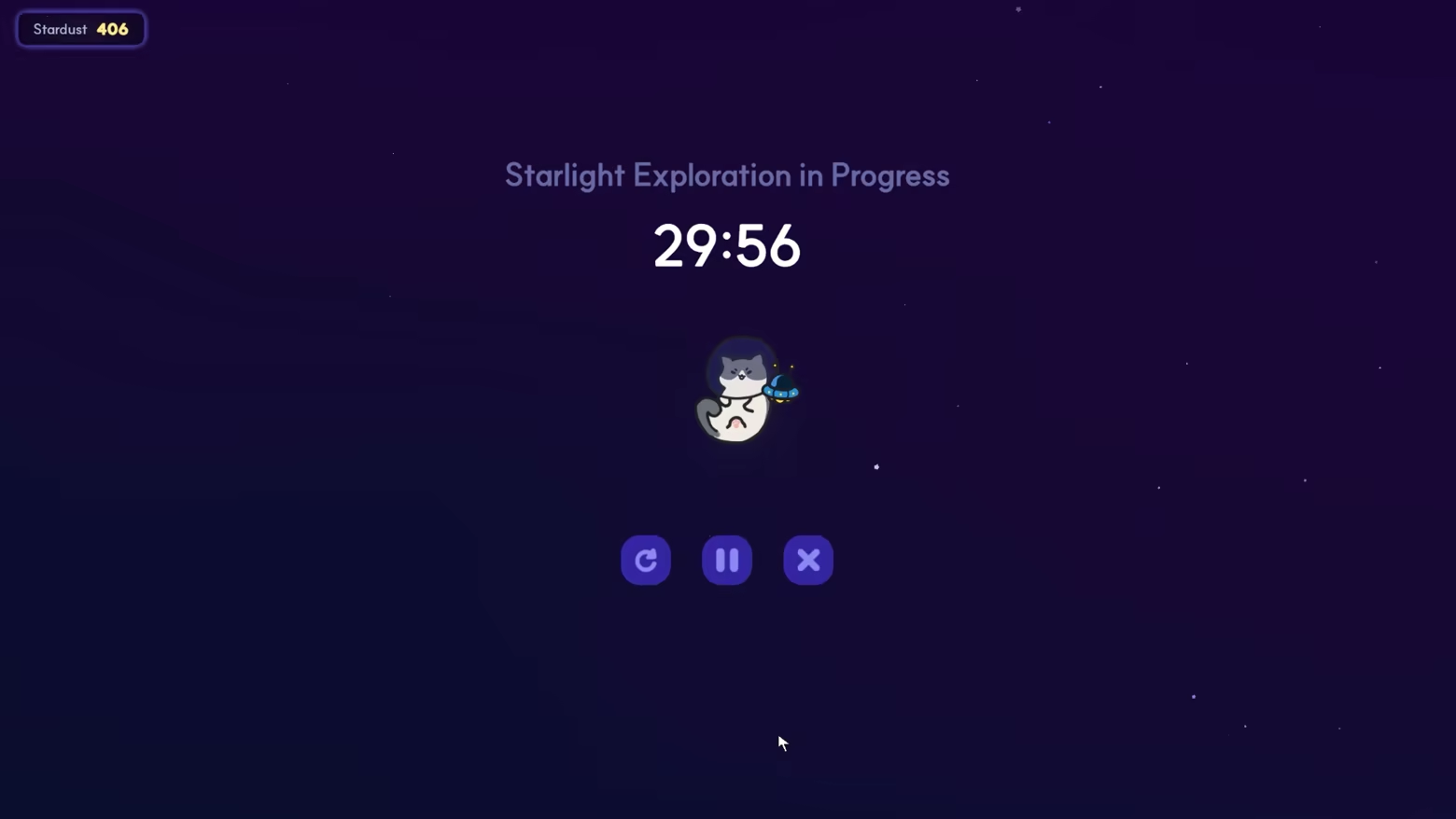
When it's time to focus, set a timer anywhere from 15 minutes to 1 hour and embark on a Starlight Expedition.
Whether you're actively focusing or simply leaving the game running in the background, the time you spend becomes part of your in-game journey.
3. A Little Cat by Your Side on the Desktop
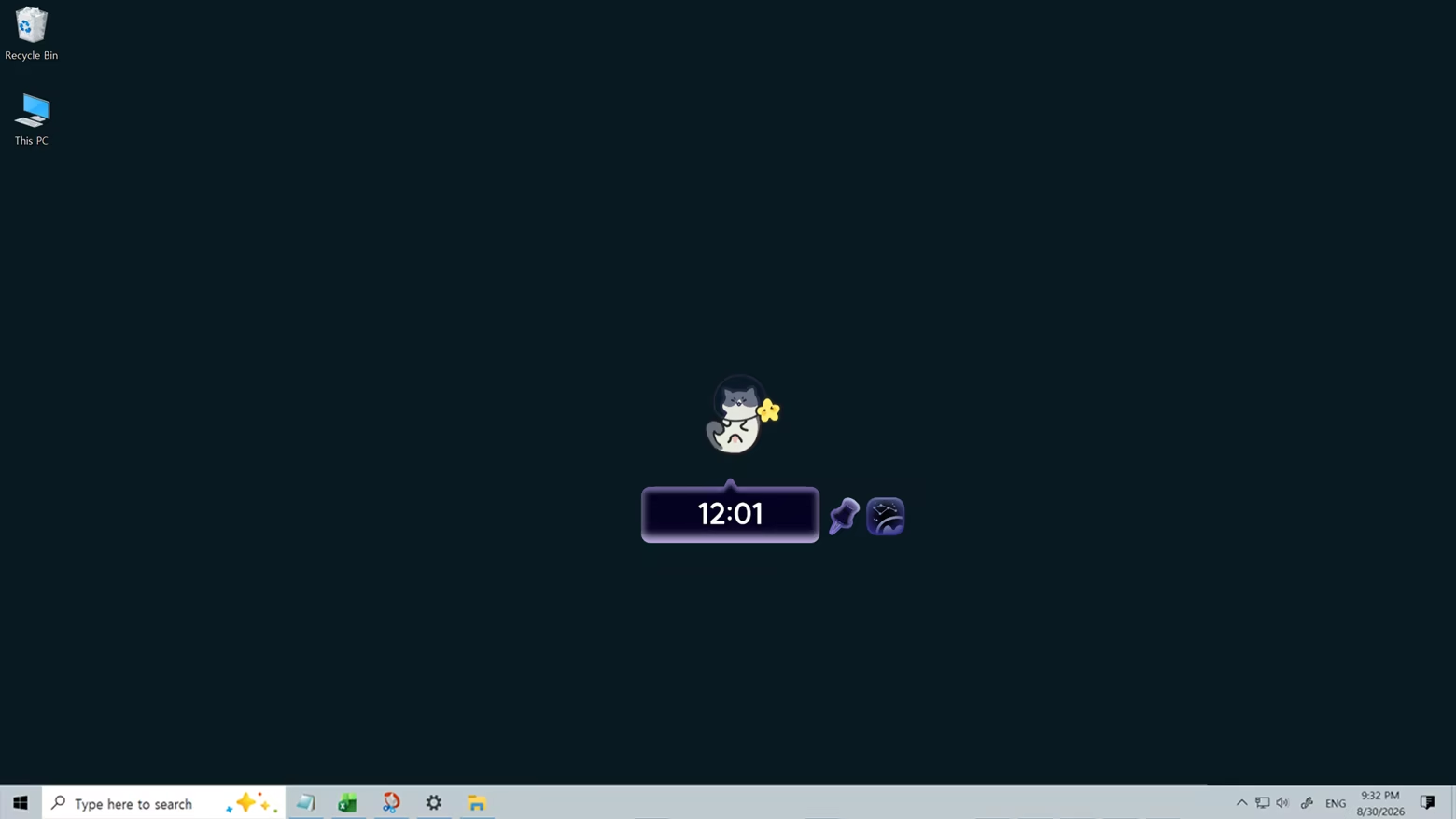
Switch to the compact window and place your cat anywhere on your desktop.
Your cat quietly floats through space inside the small window, and hovering your mouse over it reveals a radial menu. Access the timer, calendar, and customization options whenever you need them without interrupting your work.
4. Create Your Own Cat
Mix and match eyebrows, eyes, mouths, patterns, and accessories to create your own unique space cat.
Use the Stardust you collect while playing to unlock new customization options.
5. Build Your Own Universe with the Constellations You Discover
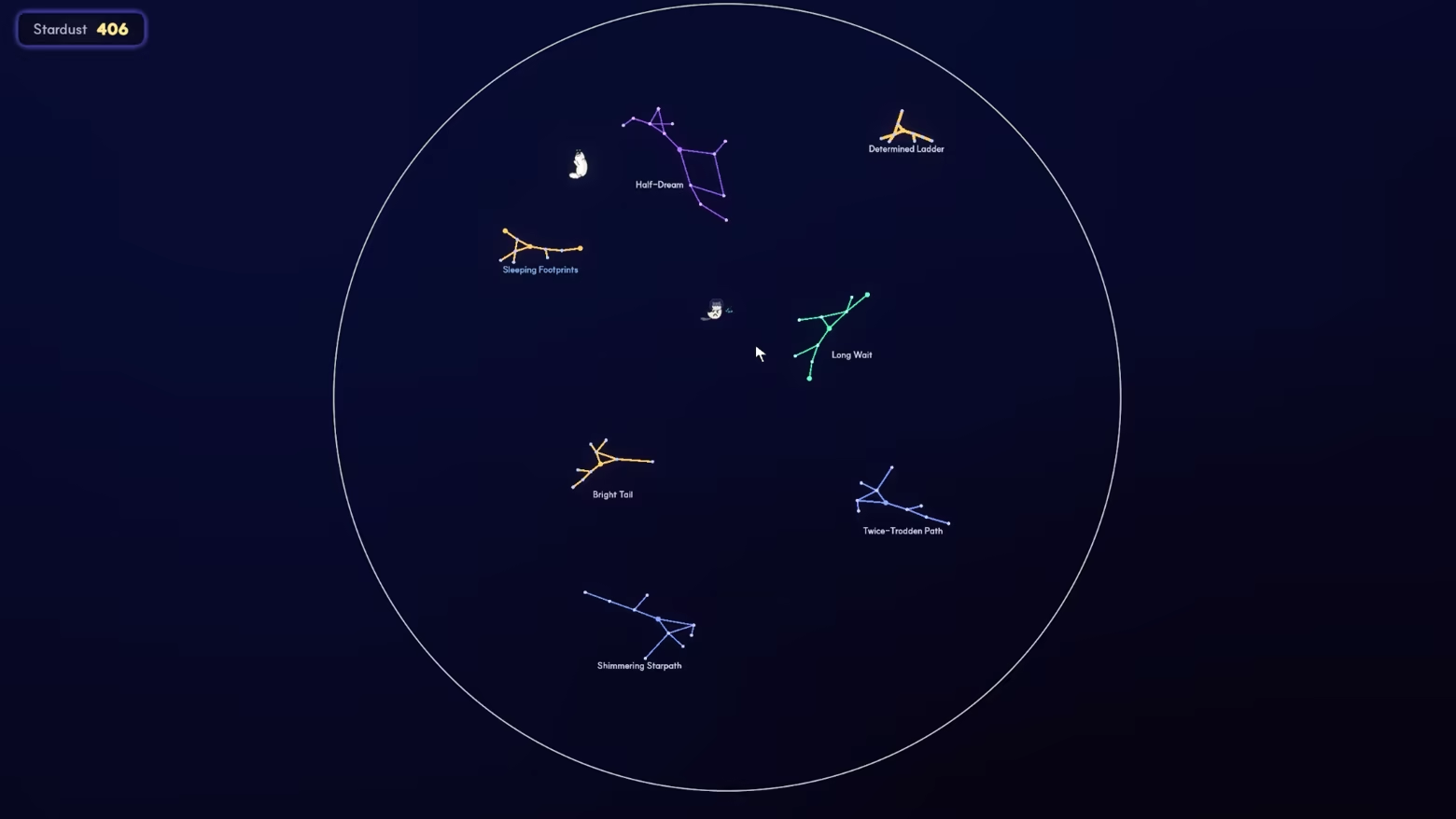
Completed constellations can be freely placed throughout your personal universe.
Move and rotate them wherever you like, and adjust their colors, sizes, and more to create a universe that's truly your own.
As your daily constellations and collected constellations accumulate over time, the once-empty universe gradually fills with memories of the time you've spent.
6. Explore Together with Friends!
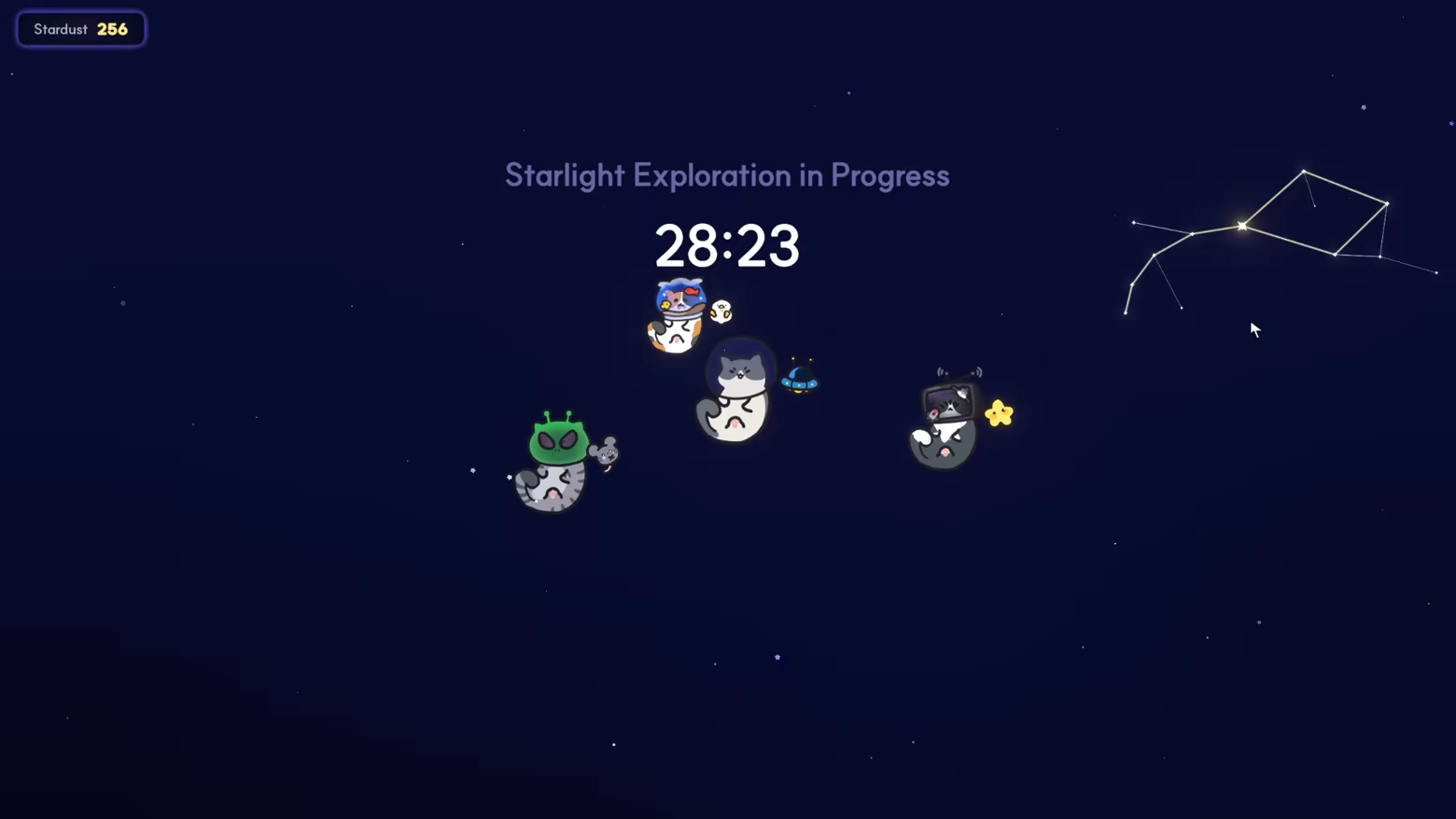
Invite friends into your universe, spend time together, and set out on expeditions to discover the same constellations.
7. Guests
Meet the guests who occasionally visit your universe.
They may stay for a few days before heading off again, but don't be too sad—they might come back to visit someday.
The feel
Genres
Ways to play
- Single-player
- Multiplayer
- Co-op
- Online co-op
Weak PC? It still plays
Play Cosmo Cat: A Cozy Desktop Idler on a weak PC
Cosmo Cat: A Cozy Desktop Idler needs at least 4 GB of RAM. Cloud PC is a Windows computer with a strong GPU in the cloud. You control it from your laptop, phone or desktop.
Turn on Cloud PC
Log in to Thinkmay and start your machine. You get a Windows desktop of your own.
Install the game
Install Cosmo Cat: A Cozy Desktop Idler from Steam as you would at home.
Play on any device
Play on a laptop, phone or desktop. Controllers and microphones work.
Games with a similar feel
Cozy · Relaxing · Space

Basement To The Sky

Leaves & Lanterns

PawMart Tiny Market

Alchemess: Tidy Up Your Potion Shop!

Screw IT

Bird Empire

Shiba Sweet

Neko Neko Shop

Hardware Store: Tidy Up

DinoBones: Tidy Up the Museum

Tech Chaos

Furnished

Toys Co.

Leafy Corner

Megastore: Tidy Up Together

Post Office: Tidy Up!

Look to the Birds

Tidy or Treat

Cats and Sushi

Tasty Chef

Sill Cats - Halloween Pack

知秋~英语日语单词背诵学习陪伴桌宠~

Dino Dome: Tidy Up!
