

Fidget Toy Engine
Fidget Toy Engine Studio
Fidget Toy Engine is a desktop app that lets you enjoy a variety of interactive toys. Spin, click, squish, roll, launch, and customize them while you work, study, or relax. Keep your favorites close in a transparent window with satisfying sounds and colorful styles.
Overview
Fidget Toy Engine brings a collection of interactive toys directly to your desktop. Open a compact transparent window, choose a toy, and keep a satisfying little distraction within reach while you work, study, chat, or take a break.
DISCOVER A VARIETY OF TOYS
Spin a fidget spinner or shuriken, squish slime, tap the keys on a mini keyboard, roll dice, fire a slingshot, send a roulette ball around the wheel, watch a DVD logo bounce, and discover much more. Every toy has its own way to move, react, or play.
Fidget Toy Engine is designed to keep growing, with more toys planned for future updates.
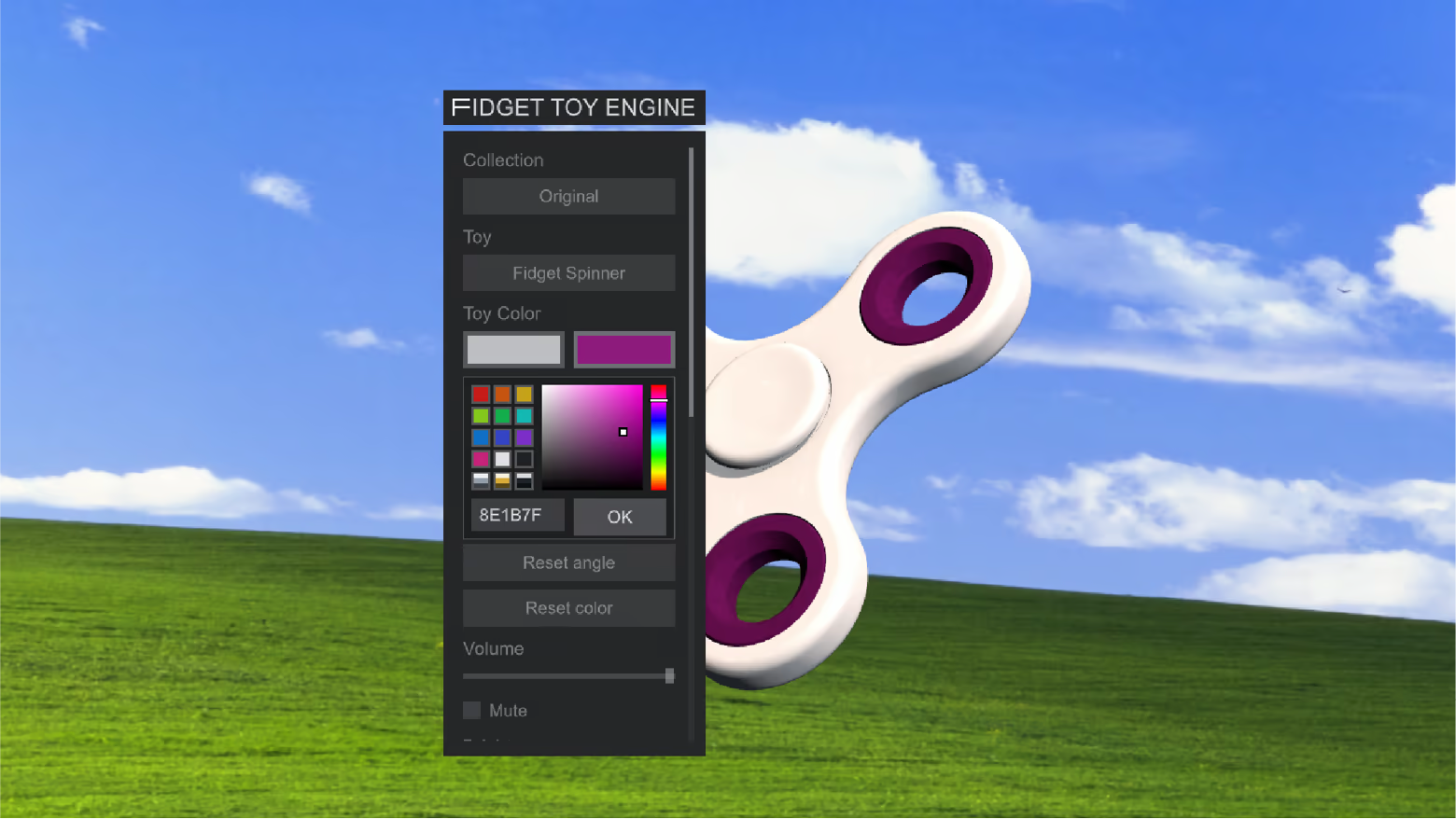
MAKE IT YOURS
Save your favorites or let Random choose for you. Resize the app, adjust volume and brightness, and recolor selected toys with custom colors and metallic finishes.
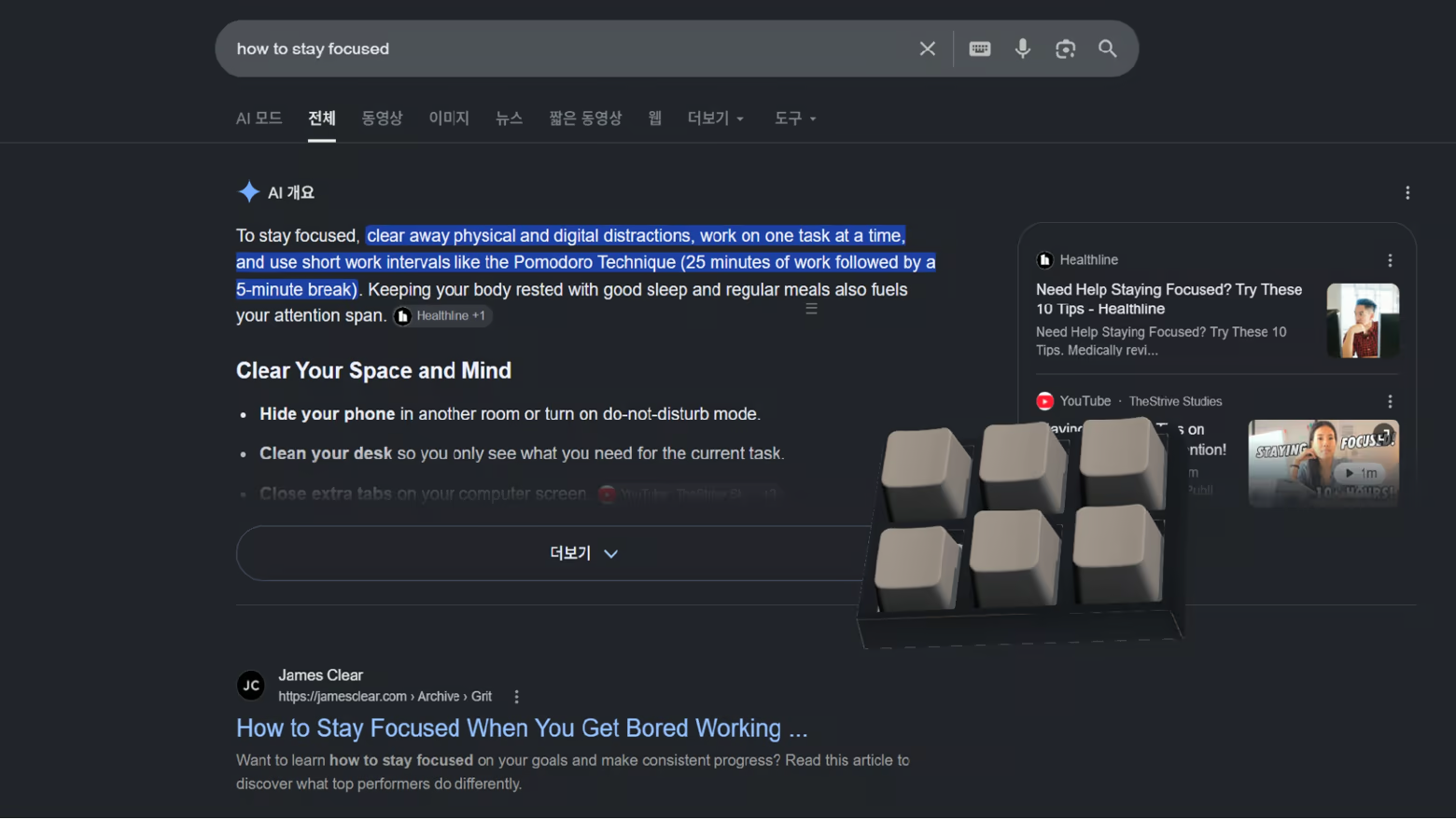
BUILT FOR YOUR DESKTOP
Place the transparent window wherever it works best for you. Keep it above other apps, minimize it to the system tray, or have it launch automatically when your computer starts. Stereo sound subtly shifts with the window's position across your desktop,
COMFORTABLE TO USE
Choose a dark or light theme, enlarge interface text, and tune frame rate, anti-aliasing, and shadow quality for your setup. The interface supports ten languages.
PLAY AT YOUR OWN PACE
Steam achievements mark playful milestones, while Steam Cloud keeps supported preferences in sync. There is no fixed way to play—play with a toy for a few seconds or leave one beside you for longer.
The feel
Genres
Ways to play
- Single-player
Weak PC? It still plays
Play Fidget Toy Engine on a weak PC
Fidget Toy Engine needs at least 4 GB of RAM. Cloud PC is a Windows computer with a strong GPU in the cloud. You control it from your laptop, phone or desktop.
Turn on Cloud PC
Log in to Thinkmay and start your machine. You get a Windows desktop of your own.
Install the game
Install Fidget Toy Engine from Steam as you would at home.
Play on any device
Play on a laptop, phone or desktop. Controllers and microphones work.
Games with a similar feel
Chill · Cozy · Relaxing

Tidying Simulator

Tiny Farmie

Mellow Flavor Alley

Shelfbound

Desktop Cooking: Panda Diner

Paver: Tidy Up Together

Snowplow Therapy

Cosy Loops

Sleep Walk

Seed Shop: Tidy Up!

Soggy Beans

Keyboard Chaos

Tokyo Canvas

Sole Mates: Tidy Up the Shoe Store

The Woodman

Take Good Care of Your Cassava

Vinyl Freak: Unsorted

Molluscarium

Ultraquarium

Sandcastle Demo

Still Sorting

Farm Together 2 - Zen Pack

Low Tide Tales
