

Requires legal GTA V on Steam/Rockstar/Epic. FiveM is a Cfx.re mod, not part of Rockstar Games. Thinkmay is an independent Cloud PC service not affiliated with Cfx.re, Rockstar Games, or any roleplay server. Server names are community references, asset sizes may change over time.
Why is FiveM heavier than regular GTA V?
FiveM doesn't just run vanilla GTA V — it downloads a mass of custom assets from the server: modded vehicles, expanded maps (new areas beyond Los Santos), custom scripts, high-res textures, and its own voice chat system. A large roleplay server like VLR or MVRP can require 8-15GB of assets just to join for the first time.
This is a double burden for weak machines: office laptops (integrated graphics) already struggle with vanilla GTA V, and now they must also download thousands of custom mod files that aren't optimized like the base game — leading to heavy stuttering, crashes in busy areas, or freezing during first-time asset downloads.
Storage is also a bottleneck — machines using HDD instead of SSD can take 5-10 minutes just to finish loading server assets, while Cloud PC with NVMe SSD finishes in 30-60 seconds.
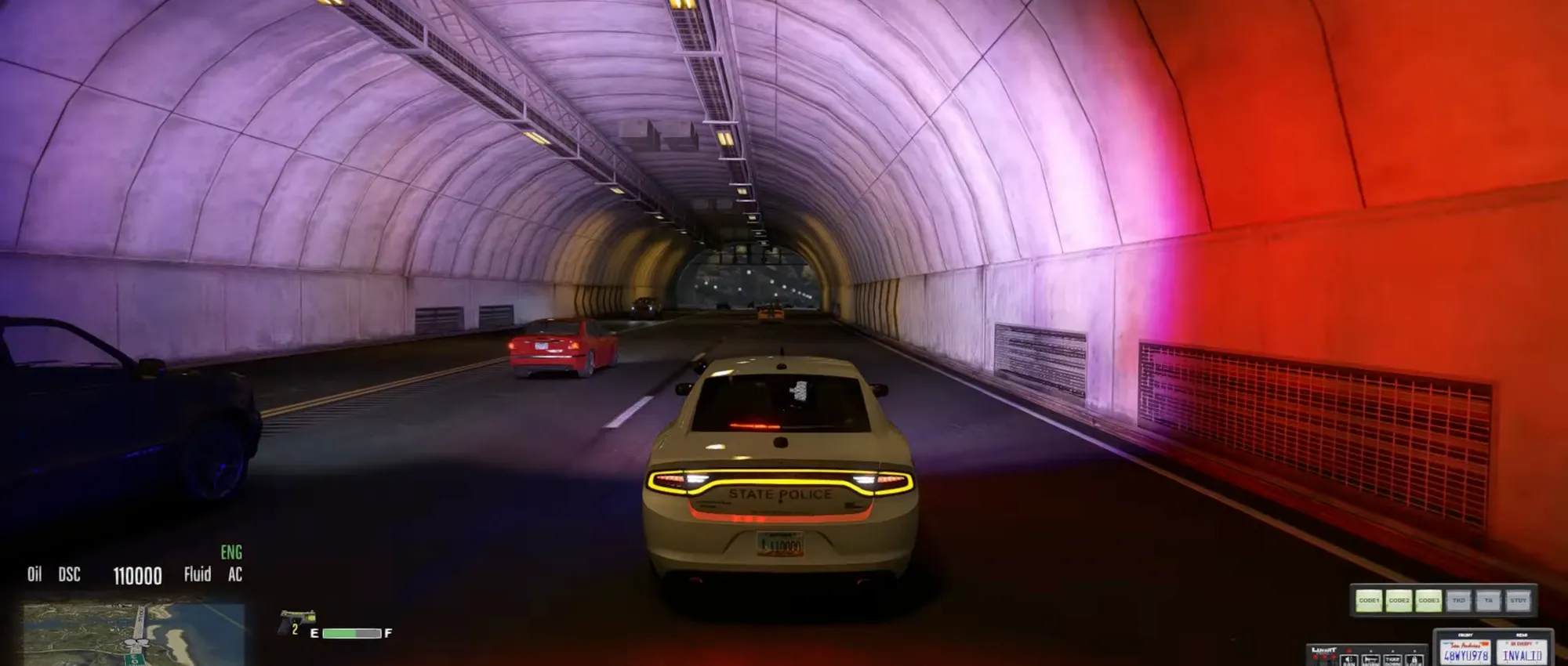
- Large VN roleplay servers (VLR, MVRP) download 8-15GB assets on first join
- High-res textures + vehicle mods + expanded maps aren't optimized like the base game
- Integrated-graphics laptops experience much heavier lag than vanilla GTA V
- HDD extends asset load time to 5-10 minutes, NVMe SSD only 30-60 seconds
Thinkmay combines high-performance Cloud PCs, WebRTC streaming, and persistent session storage so users can return to work or games quickly.
Signs your PC is too weak for FiveM
If you regularly experience the symptoms below, your machine is hitting its limits with FiveM — not a network or server issue.
| Symptom | Cause | How weak is the PC? |
|---|---|---|
| Below 20fps, constant stutter in busy areas | GPU can't render many NPCs + vehicles + effects at once | Integrated graphics or GPU below GTX 1650 |
| Crashes loading expanded maps or entering interiors | RAM insufficient to hold all downloaded assets | Under 12GB RAM |
| 5-10 minute load times each join | HDD read/write is slow with thousands of small files | HDD instead of SSD |
| Machine gets hot, loud fan after 20-30 minutes | CPU/GPU running full load constantly to compensate | Thin laptop, weak cooling |
How does Cloud PC solve FiveM's heavy hardware demands?
Thinkmay Cloud PC moves all asset downloading, graphics rendering, and game logic processing to servers in Vietnam using real RTX 3060Ti or RTX 5060Ti GPUs with fast NVMe SSDs. Your machine only receives 1080p60 video stream via WebRTC — no file downloads, no 3D rendering.
Since Thinkmay servers have high internal bandwidth (100-500 Mbps to game CDNs), downloading 8-15GB of FiveM assets happens much faster than typical home internet — usually just 3-8 minutes for the heaviest servers, compared to 20-30+ minutes downloading directly on a weak home machine.
| Factor | Playing FiveM on weak PC | Playing via Thinkmay Cloud PC |
|---|---|---|
| FPS in busy areas | 10-20fps, heavy stutter | Stable 60fps+ |
| Server asset download time | 15-30+ minutes (home network + weak PC) | 3-8 minutes (high server bandwidth) |
| Crash risk entering interiors | High — insufficient RAM/VRAM | None — 16-24GB RAM on server |
| Device temperature while playing | Heats up fast, loud fan | Cool — laptop only decodes video |
Which Vietnamese FiveM servers need the most horsepower?
Not every server is equally heavy — asset size and player count directly affect whether a weak PC can handle it.

- More slots + more mods = higher GPU/RAM needed to keep FPS stable
- $27/mo suits playing multiple servers or servers with 15GB+ assets
- Persistent storage (monthly plans) keeps server cache — no re-downloading next time
| Server | Asset size | Slots | Recommended Thinkmay plan |
|---|---|---|---|
| Los Santos VN | 5-8GB | 32-64 slots | $13.50/mo is enough |
| VNLIFE Roleplay | 6-10GB | 64 slots | $13.50/mo or higher |
| VLR (Vietnam Life Roleplay) | 8-12GB | 64-128 slots | $13.50/mo or higher (persistent storage) |
| MVRP (Modern Vietnam RP) | 10-15GB | 64-96 slots | $27/mo (RTX 5060Ti, 400GB SSD) |
How to switch from playing FiveM on a weak PC to Cloud PC
If you already have a character and assets on a FiveM server, don't worry — roleplay data is stored on that community's server, not on your machine. Switching to Cloud PC doesn't lose progress.
- Step 1: Download the Thinkmay app or open directly in Chrome/Edge
- Step 2: Register + top up $1.12 for a trial, or buy the $13.50/$27 monthly plan
- Step 3: Enter Cloud PC — Windows 11 with Steam/Rockstar Launcher pre-installed
- Step 4: Log into Steam, install GTA V (owned copy) if not already on Cloud PC
- Step 5: Download FiveM launcher from fivem.net, install on Cloud PC
- Step 6: Join the same server you already play (VLR, VNLIFE, MVRP...) — your character stays intact
- Step 7: Enable mic in browser so roleplay voice chat works normally
Minimum PC specs to use Cloud PC for FiveM
Since your machine only acts as a display receiving the stream, hardware requirements are far lower than running FiveM directly — most existing office laptops already qualify.
- Office laptops from 2018 onward mostly meet this bar
- No SSD or dedicated GPU needed on your end — the server handles everything
- 5GHz Wi-Fi or wired gives the smoothest roleplay experience, especially for fast reactions
| Component | Minimum | Recommended | Why |
|---|---|---|---|
| CPU | 6th-gen Core i3 / Ryzen 3 | 8th-gen+ Core i5 / Ryzen 5 | H.264/H.265 video decode |
| GPU | Any integrated graphics | Any | No 3D rendering or mod asset loading needed |
| RAM | 4GB | 8GB+ | Browser + Thinkmay app |
| Network | Wi-Fi 15Mbps | Wi-Fi 5GHz 25-30Mbps | Stable 1080p60 stream, low ping for voice chat |
Which Thinkmay plan for FiveM roleplay
FiveM roleplay has 2 traits affecting plan choice: large asset size (5-15GB) and long sessions (usually 2-4 hours straight).
- $13.50/mo covers most popular VN servers
- $27/mo if playing heavy servers (15GB+ assets) or want cache for multiple servers
- Monthly plan persistent storage keeps FiveM cache — rejoining takes 30 seconds instead of full redownload
| Plan | Price | Specs | Best for |
|---|---|---|---|
| Try-out | $1.12/3h | RTX 3060Ti, no cache saved | Testing, short sessions on light servers |
| Monthly $13.50 | $13.50/mo | RTX 3060Ti, 120hrs, 200GB SSD | Los Santos VN, VNLIFE, VLR |
| Monthly $27 | $27/mo | RTX 5060Ti, unlimited, 400GB SSD | MVRP, multiple servers, daily play |
Frequently Asked Questions
Can my office laptop (no dedicated GPU) play FiveM via Cloud PC?
Yes, completely. Cloud PC doesn't require your machine to process graphics or download assets — just run Chrome/Edge and decode 1080p video. Any Core i3/i5 with integrated graphics handles this well.
Will my FiveM character and assets be lost switching to Cloud PC?
No. Character data, money, and assets on a FiveM server are stored on that server's database (VLR, VNLIFE, etc.), not on your machine. Logging into the same server on Cloud PC shows your character exactly as it was.
Why does FiveM lag much more than vanilla GTA V on my machine?
Because FiveM downloads extra gigabytes of custom assets (vehicle mods, expanded maps, high-res textures) that aren't optimized like the base game. A weak PC already struggles with GTA V, and now must process even more data, leading to heavier lag.
How much internet speed do I need for smooth FiveM via Cloud PC?
Minimum 15Mbps stable. Recommended 25-30Mbps for smooth 1080p60 and voice chat. For FiveM roleplay, stable ping matters more than peak speed — prioritize 5GHz Wi-Fi or wired.
Can heavy FiveM servers (15GB+ assets) load on Cloud PC?
Yes, and much faster than downloading on a weak home machine. Thinkmay servers have high internal bandwidth, typically finishing 15GB asset downloads in 5-8 minutes. Use the $27/mo plan (400GB SSD) for large servers.
My PC crashes entering interiors in FiveM — will Cloud PC fix this?
Yes. Crashes entering interiors are usually caused by insufficient RAM/VRAM to hold all downloaded assets. Cloud PC uses 16-24GB RAM on the server, enough to handle the heaviest areas without crashing.
Does roleplay voice chat (PMA voice, Salty Chat) work via Cloud PC?
Yes. When you grant microphone permission to your browser, your phone/laptop mic streams into the Cloud PC as a real mic. PMA voice and Salty Chat both receive input normally.
Do I need to upgrade my SSD or RAM before using Cloud PC?
No. This is Cloud PC's core benefit — your machine stays as-is, all heavy processing (asset downloads, graphics rendering) moves to Thinkmay's servers.