
Free trial packages have time limits and may be subject to queues depending on active server capacity.
Test real cloud gaming performance at no cost
Many gamers are curious about network latency or device compatibility before committing. That is why Thinkmay provides a direct free trial program for all new users.
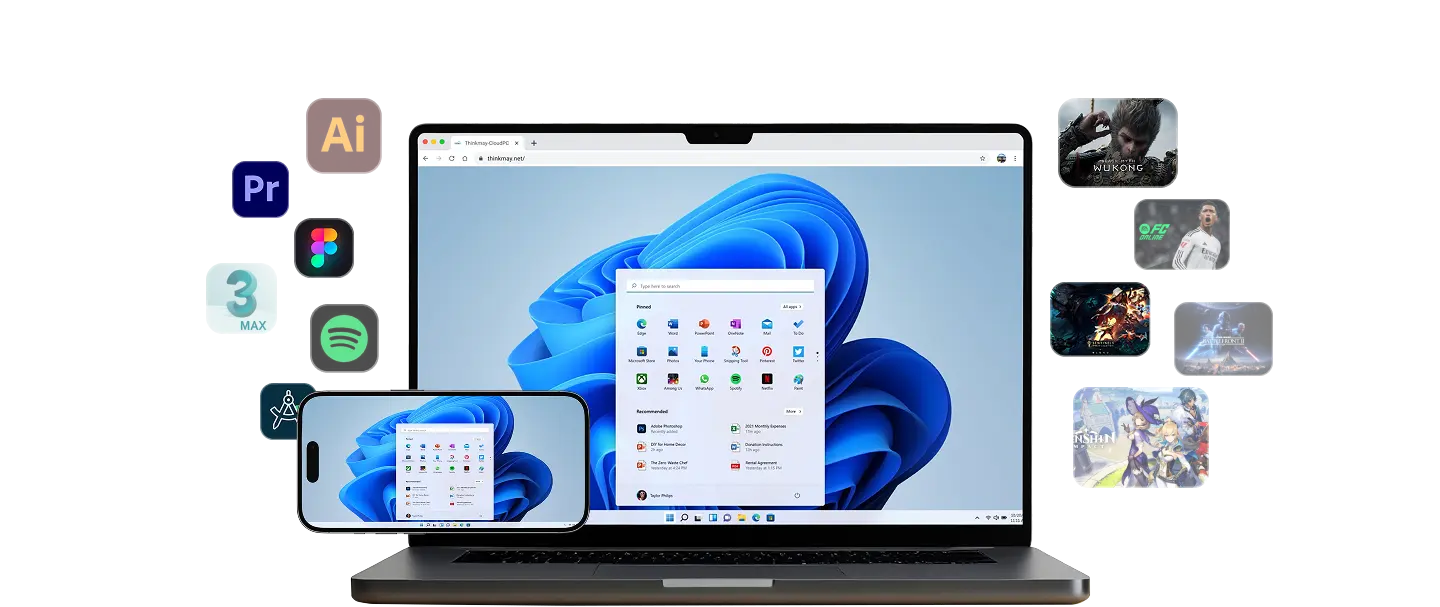
The free experience allows you to launch a fully featured Windows 11 Cloud PC, test your network connection, set up virtual controller overlays, and run game launchers.
- Verify real-time latency and video stream quality
- Experience premium cloud GPU computing power
- 100% free with no credit card required to start
Thinkmay combines high-performance Cloud PCs, WebRTC streaming, and persistent session storage so users can return to work or games quickly.
How to claim your free cloud gaming trial
Claiming your trial is quick and transparent. Simply register a new account on Thinkmay and activate the trial directly from your dashboard.
Once your trial hours are complete, you can easily top up your Thinkmay wallet with local payment methods to rent virtual rigs hourly starting at highly affordable rates.
- Sign up in seconds with just an email address
- Activate your free trial instantly with one click
- Upgrade to flexible hourly wallet billing when satisfied
Optimize your network for the best trial experience
To ensure the smoothest stream quality during your trial, connect to a 5GHz Wi-Fi network or a wired Ethernet cable. High-speed 4G/5G mobile connections also work well.
Thinkmay includes native speed testing and network route tools directly in the dashboard to help you find the lowest-latency connection.
- Use 5GHz Wi-Fi or Ethernet instead of crowded 2.4GHz bands
- Run the built-in Route Test tool to select the best server path
- Slightly lower the stream bitrate if your ISP fluctuates