
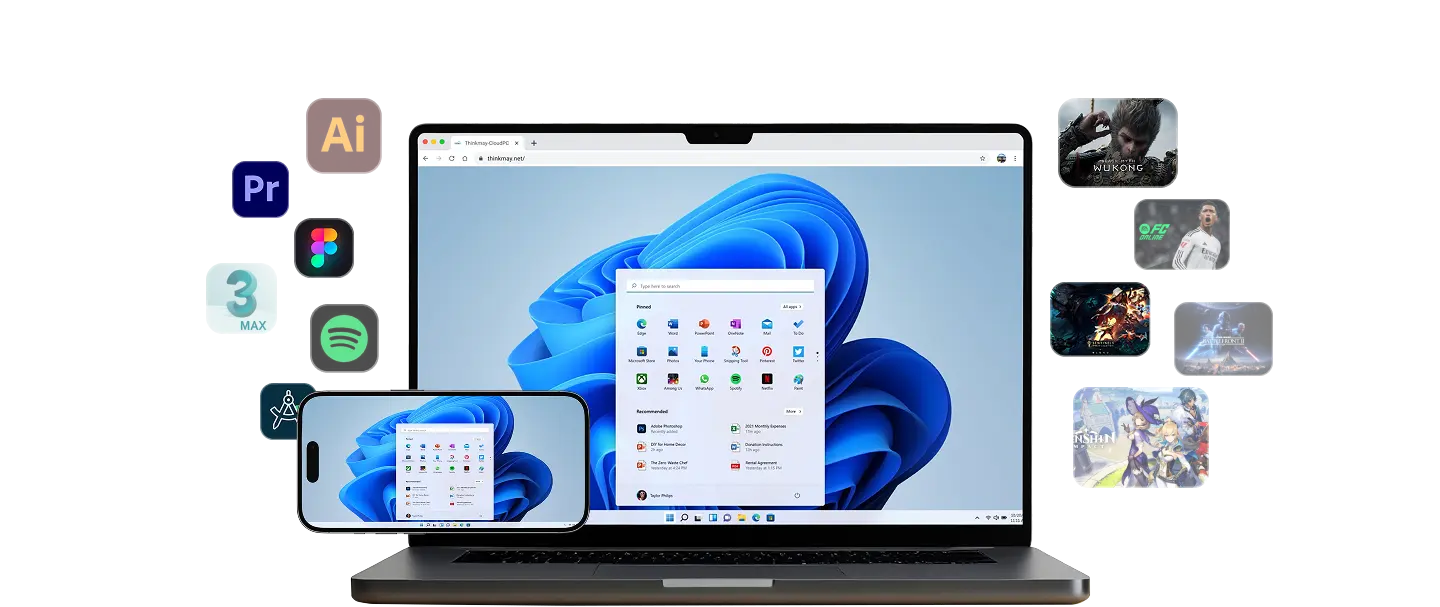
How can a low-end machine play AAA games?
Simple principle: Cloud PC runs the game on a high-end Windows 11 machine in a datacenter. Your device only receives video and sends inputs. Your local CPU, GPU, and RAM barely work — they just decode H.264 video.
That means an office i3 laptop, a MacBook Air with no discrete GPU, or a 5–7-year-old PC can smoothly play Cyberpunk 2077, GTA V, Elden Ring, or Black Myth: Wukong at 60 FPS. All heavy lifting happens on an RTX 5060Ti in a Vietnam-based datacenter.
- Office laptops, MacBooks, old PCs work — if it plays YouTube 1080p smoothly, it works
- No overheating or battery drain — your device just receives video
- Install Steam, Epic, Garena, Rockstar on the Cloud PC with your own accounts
Thinkmay combines high-performance Cloud PCs, WebRTC streaming, and persistent session storage so users can return to work or games quickly.
Does your machine work with Cloud PC?
Reference this compatibility table for common device categories.
| Device | Works? | Notes |
|---|---|---|
| Office laptop (i3/i5 8th gen+, 8GB RAM) | ✓ Great | 1080p 60 FPS |
| MacBook Air M1/M2/M3 | ✓ Great | Run Windows games via Safari/Chrome |
| 5–7-year-old PC (i5-6400, 4–8GB RAM) | ✓ Good | Prefer Chrome/Edge for better decoding |
| Android / iPhone | ✓ Good | Virtual gamepad or Bluetooth controller |
| iPad / Android tablet | ✓ Great | Bigger screen than phone |
| Chromebook | ✓ Good | Chrome OS runs natively in-browser |
| Atom / netbook / under 2GB RAM | ⚠ Works | Lower to 720p, avoid competitive FPS |
Network and input requirements
The only real bottleneck is your network, not your machine. Fiber connections from 20 Mbps upwards give 1080p 60 FPS with 15–30ms ping. Stable 4G/5G also works for single-player games.
No installation needed — just open Chrome or Safari. Existing mouse and keyboard work immediately, Bluetooth controllers pair directly.
- Minimum 10 Mbps, 20+ Mbps recommended for 1080p 60 FPS
- Stable 15–30ms ping on regional fiber
- No drivers, no emulator, no launcher on your local machine
Which plan fits your setup?
No need to jump to the top tier immediately. Thinkmay has three tiers, matched to how heavy your play is.
- Testing the water: entry hourly plan — RTX 3060Ti 8GB, covers all AAA at 1080p
- Regular weeknight play: monthly plan — RTX 3060Ti 8GB, 120 hours/month, persistent storage
- Max settings on Wukong, Cyberpunk, or unlimited hours: monthly Pro — RTX 5060Ti 16GB, priority queue
Which games work on Cloud PC?
Because Cloud PC is a full Windows 11 machine, any launcher works — no library lock-in like GeForce Now (Steam/Epic only) or Xbox Cloud Gaming (Game Pass only).
Common titles played through Thinkmay: GTA V, FiveM roleplay, Black Myth: Wukong, Cyberpunk 2077, Elden Ring, Baldur’s Gate 3, League of Legends, Valorant, FIFA/FC Online. Windows productivity apps (Photoshop, Premiere) also run alongside gaming.
- Steam, Epic, Garena, Riot, Rockstar Launcher, EA App — sign in with your account
- No library restrictions — anything you own plays
- Windows productivity apps run on the same machine
Frequently Asked Questions about Cloud PC for low-end machines
My machine is very weak (i3 6th gen, 4GB RAM). Can I use Cloud PC?
Yes. Your machine only decodes video and sends input — CPU/GPU aren’t used for game processing. An i3-6th gen with 4GB RAM runs Cloud PC at 1080p 60 FPS as long as your network is stable at 20 Mbps or higher.
What internet speed is required?
Minimum 10 Mbps for 720p, recommended 20+ Mbps for smooth 1080p 60 FPS. Regional fiber typically gives 15–30ms ping. 5GHz Wi-Fi or wired Ethernet beats congested 2.4GHz Wi-Fi.
Does Cloud PC make my machine overheat?
No. Your device just decodes H.264 video — roughly the load of streaming YouTube 1080p, much lighter than running games natively. Office laptops can run Cloud PC for hours without heat issues.
Do I need to install anything?
No. Open Chrome, Safari, or Edge — no emulator, no local Steam install. Optionally add it to your home screen as a PWA for a fuller-screen experience.
Is Cloud PC as smooth as a strong gaming PC?
Very close. On regional fiber with 15–30ms ping, most users can’t tell the difference from native play. Exception: competitive FPS ranked play (Valorant, CS2) needs sub-5ms latency where local hardware still wins. For 90% of games, Cloud PC is smooth enough.
How much does it cost per month?
Depends on usage: casual weekend play costs a fraction of a night out; regular evening play is best on the monthly plan for the lowest per-hour rate; heavy or max-settings play calls for the Pro tier with unlimited hours.