

Pocket Chief!
STARWISH LIMITED
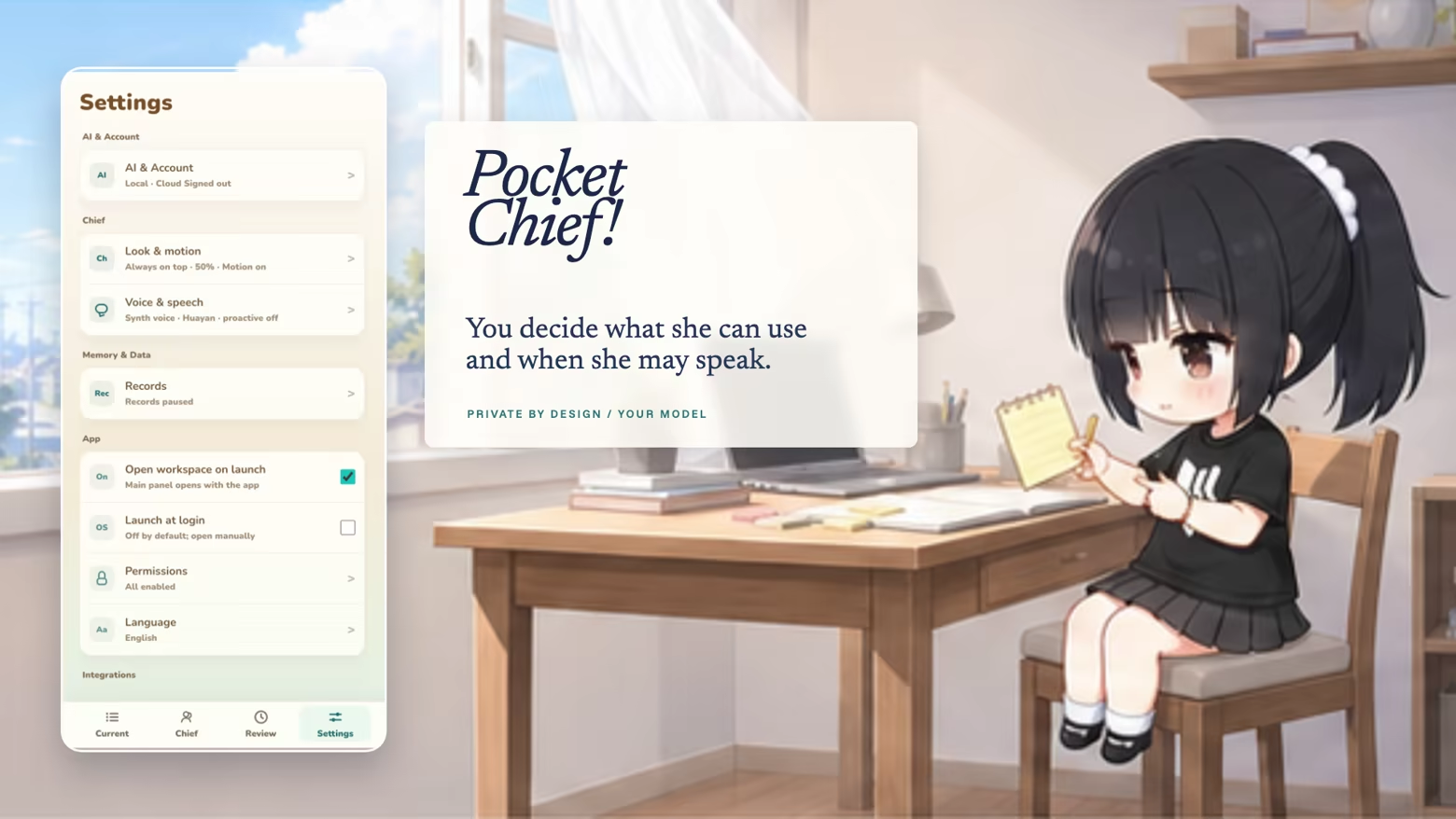
Pocket Chief! is an AI companion who lives in the corner of your desktop. She remembers what you’ve been working on.
Instant PlayNo download, stream instantly
Overview
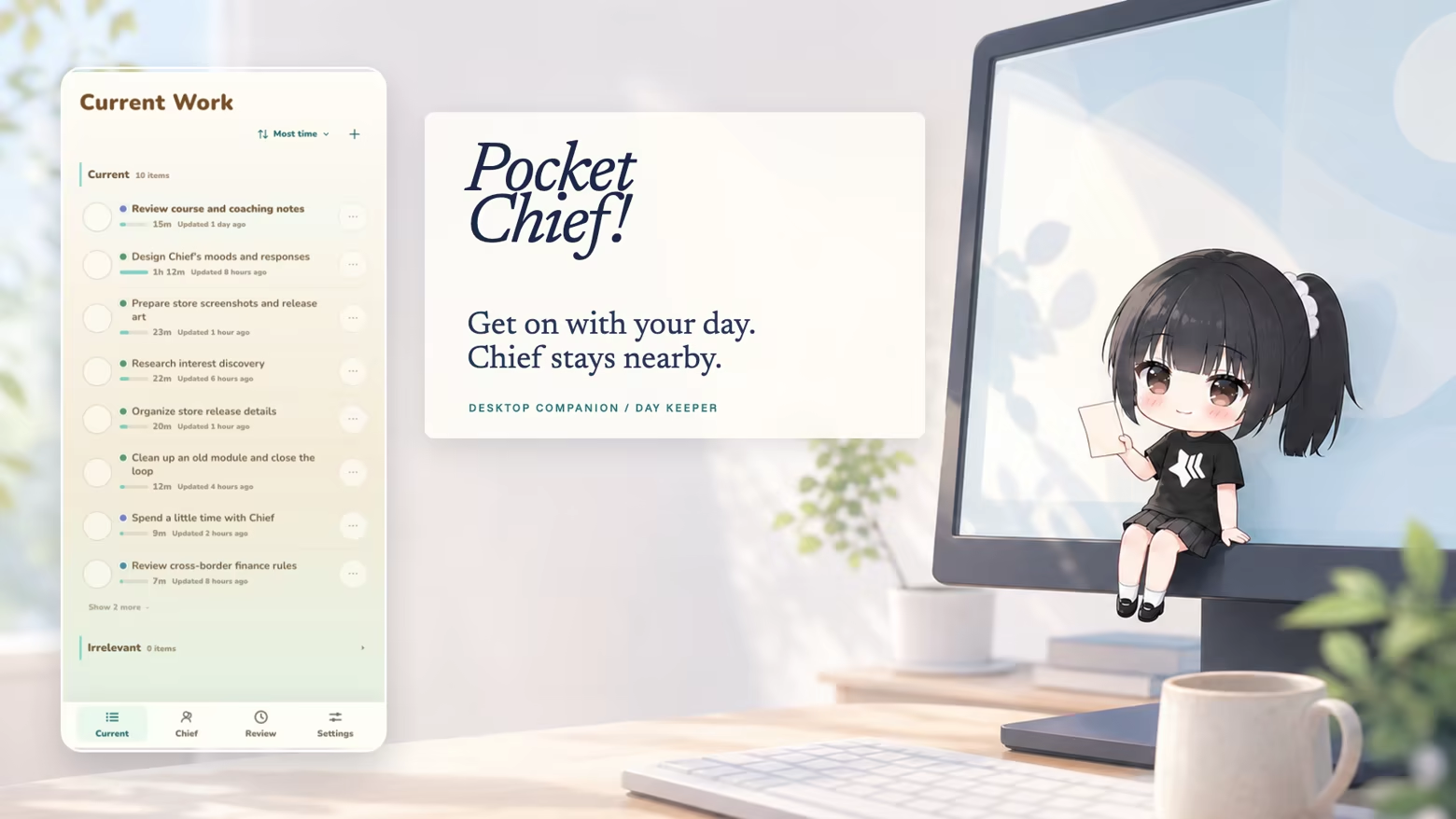
Get on with your day
Pocket Chief! lives in the corner of your desktop. She remembers what you’ve been working on and gathers it into Current Work. Come back later to keep an item, mark it done, or ignore it.
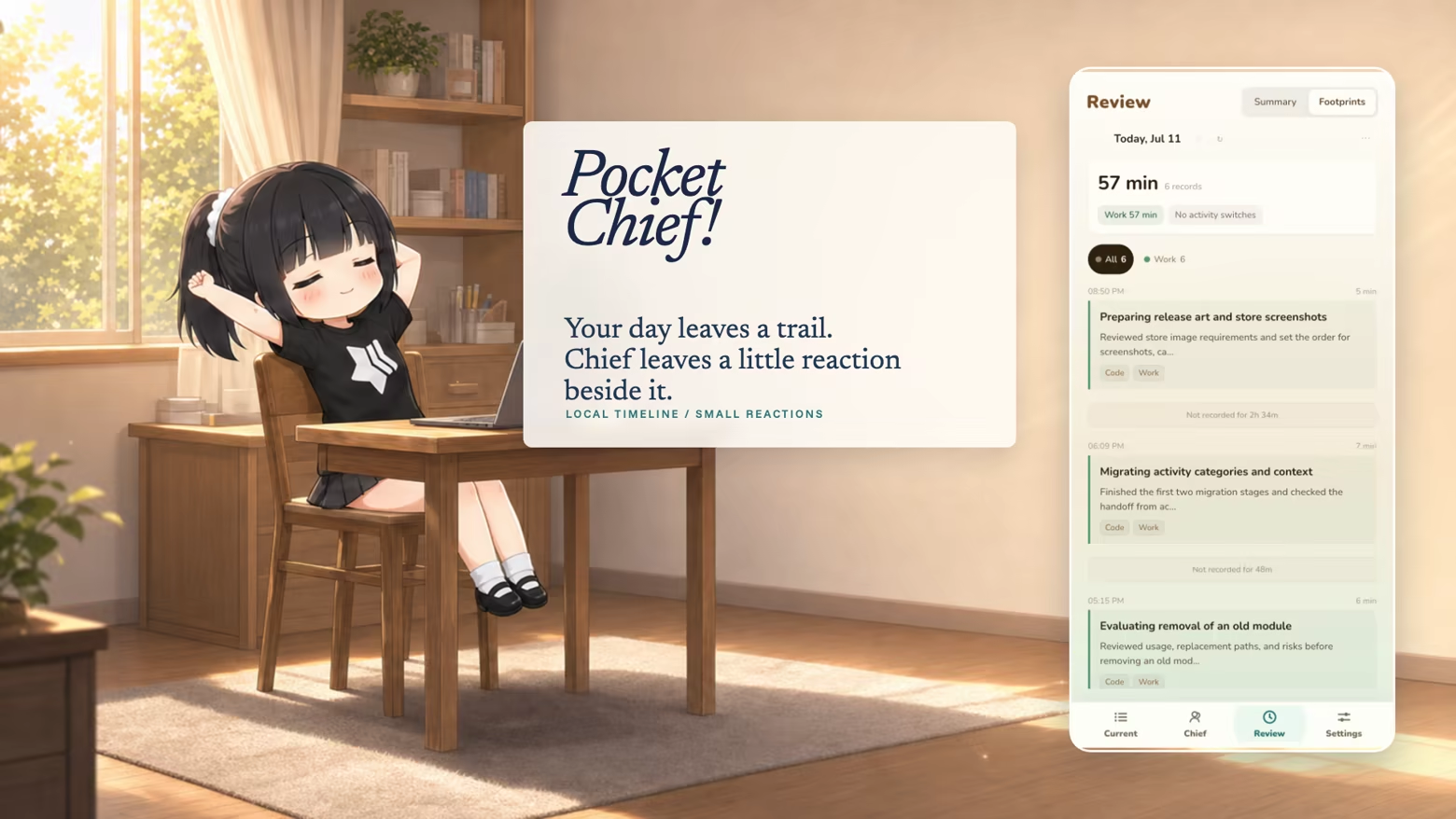
See where the day went
The timeline puts your day in order, so the thing you left half-finished earlier is easy to find. Chief sometimes adds a comment of her own.
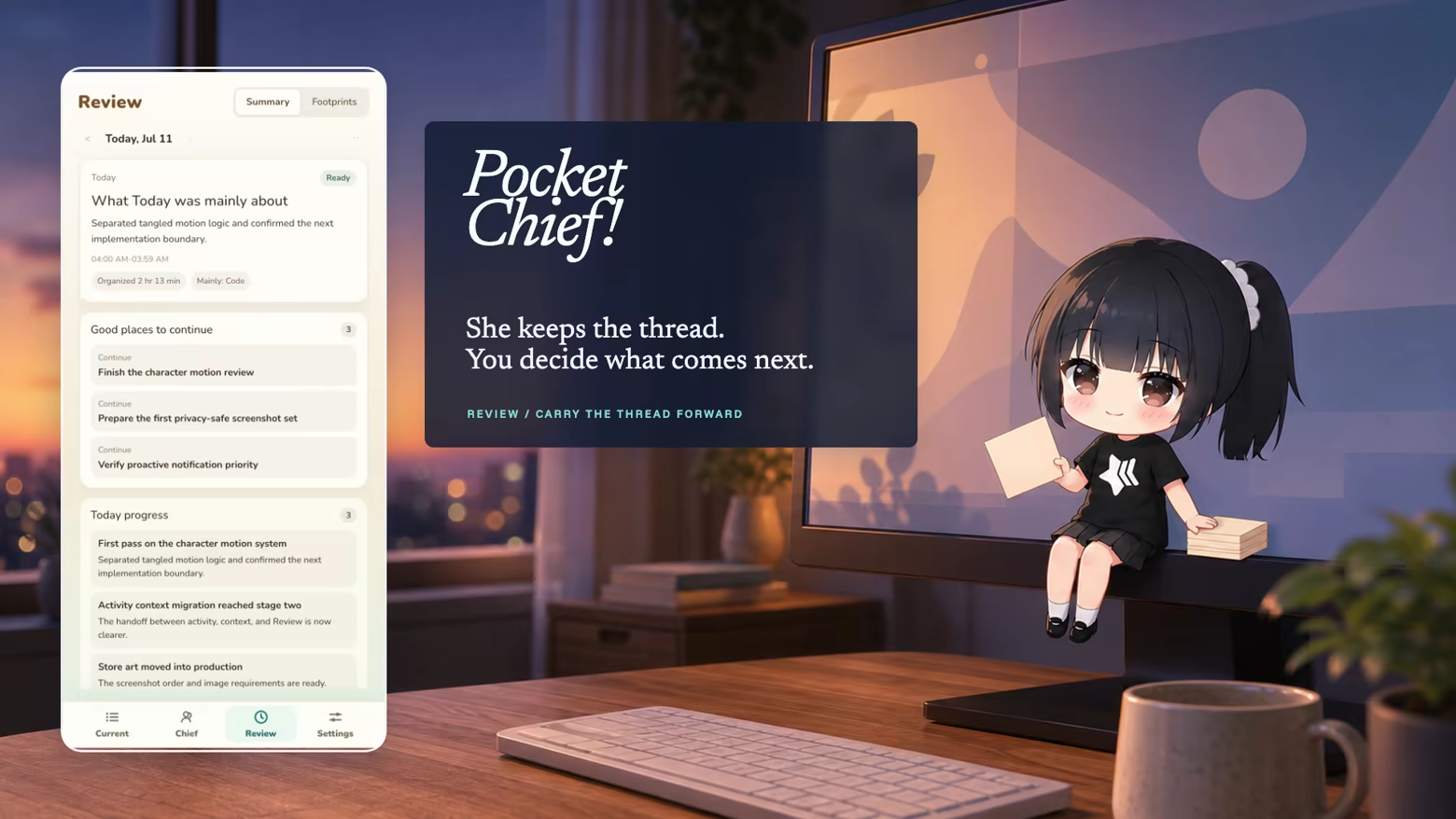
Check in before you finish
The daily review puts finished work and loose ends on the same page. Choose anything you want to pick up tomorrow.
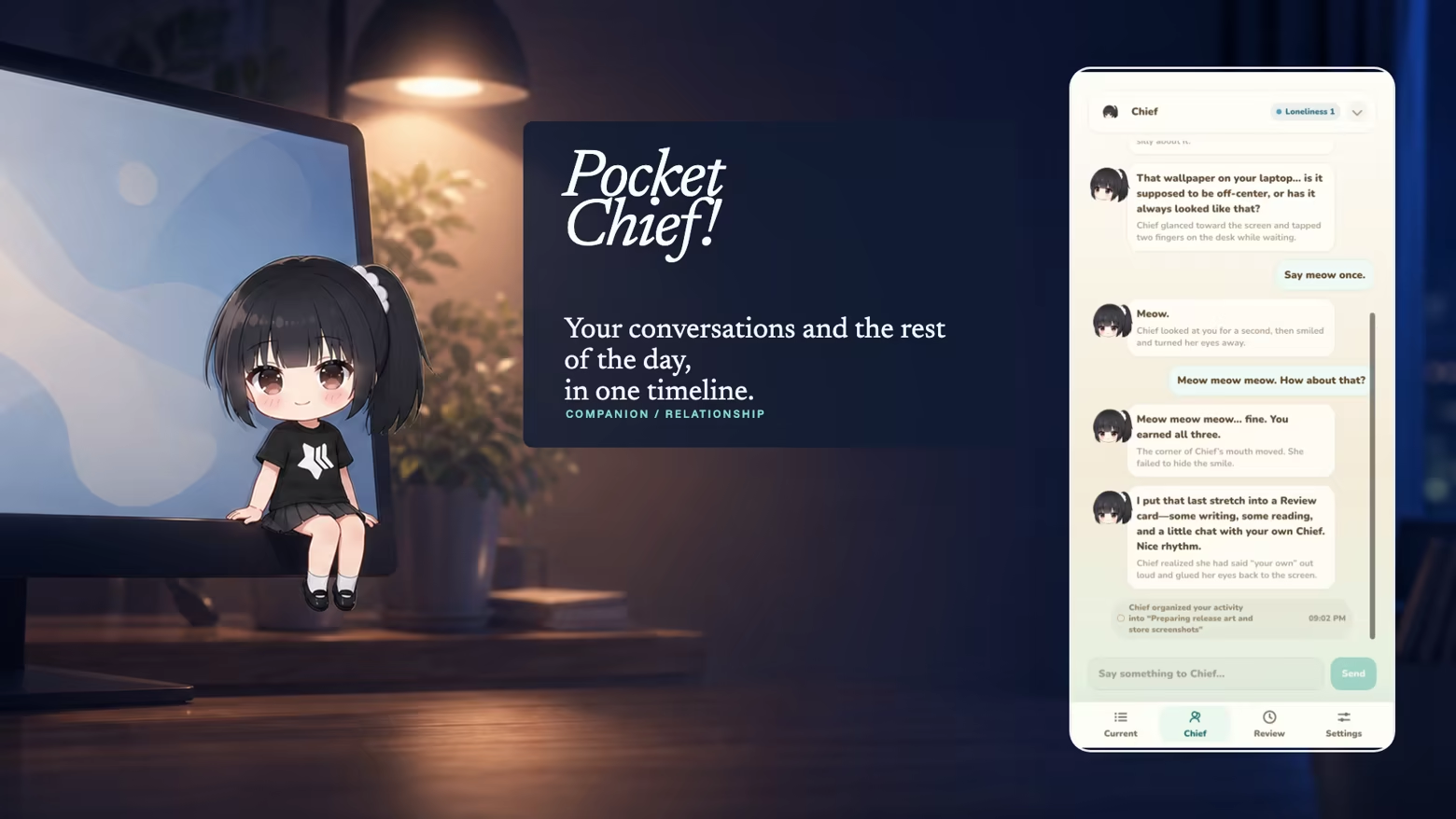
Or just talk to her
Talk to Chief from the edge of your desktop. Your conversations stay with the rest of that day's record. Her tone and reactions change as you spend more time together.
Pause records at any time
To start using Pocket Chief, you'll first set up Activity. After that, you can pause new records at any time. Raw screenshots are processed on this computer and are not uploaded. You sign in to Pocket Chief Cloud with your Steam account. Pocket Chief Cloud provides the AI features and receives only the context needed for each request.
The feel
Cozy
Genres
Free to PlayUtilities
Weak PC? It still plays
Play Pocket Chief! on a weak PC
Pocket Chief! needs at least 4 GB of RAM. Cloud PC is a Windows computer with a strong GPU in the cloud. You control it from your laptop, phone or desktop.
1
Turn on Cloud PC
Log in to Thinkmay and start your machine. You get a Windows desktop of your own.
2
Install the game
Install Pocket Chief! from Steam as you would at home.
3
Play on any device
Play on a laptop, phone or desktop. Controllers and microphones work.
Games with a similar feel
Cozy

DeskFamiliar

PinoVMT

ConvoyCore

RainBook Lite

Dice Mate: Desktop Dice Roller

Unitra: Real-Time Voice Translation For Gamers

Screen Regions

Wallpaper Play

RetroArch - mGBA

Special K

Pomoroid

推しマスコット

Sweet Swipe

Desktop Mate

推しマスコット - 姫生のーむ

Driver Booster for Steam

Pile Up

Meow Xiaoxi Is Watching You

Melon Clicker

Plants Huddled Together

VocabVan - Vietnamese

Super Brik Brik

Game Mate
