

Minecraft Legends
Mojang Studios, Blackbird Interactive
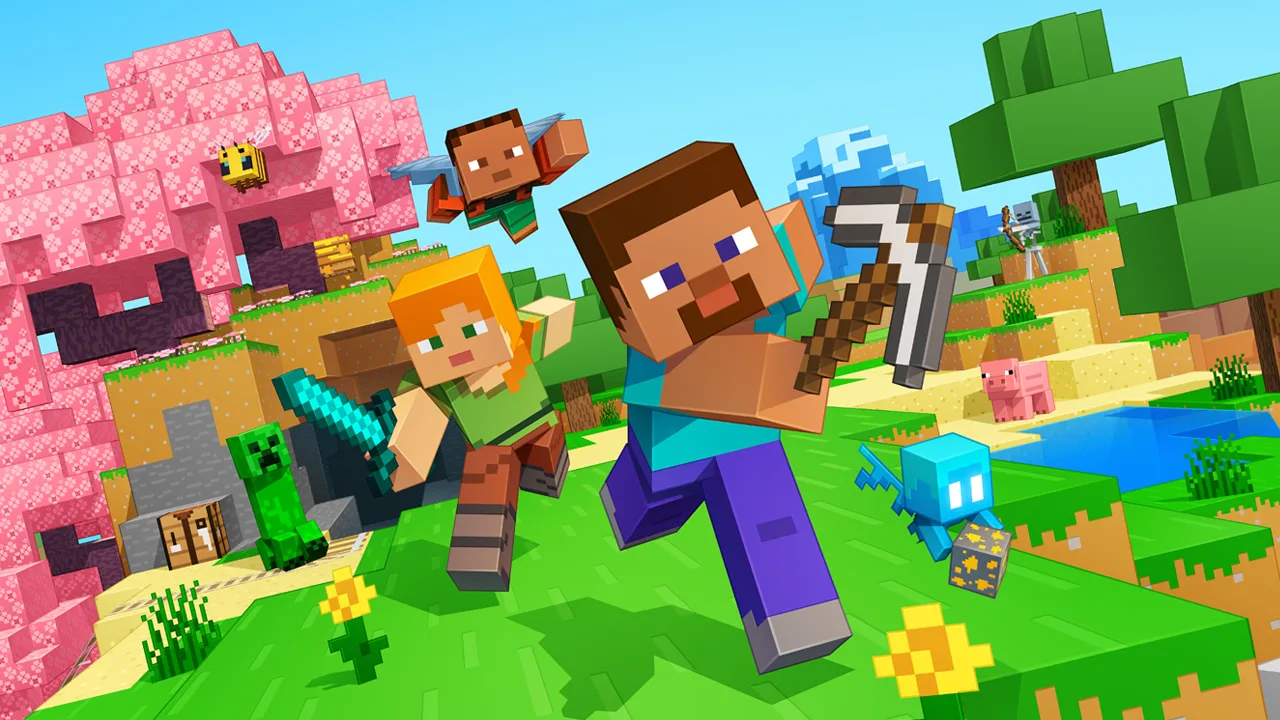
Discover the mysteries of Minecraft Legends, a new action strategy game. Explore a gentle land of rich resources and lush biomes on the brink of destruction. The ravaging piglins have arrived, and it’s up to you to inspire your allies and lead them in strategic battles to save the Overworld!
Instant PlayNo download, stream instantly
Overview
Unite the Overworld
Experience an epic legend from the Minecraft universe and the Overworld as you’ve never seen it before.
Epic Battles
Form alliances with new friends and familiar mobs, then lead the charge in epic battles against the fierce piglins to defend the Overworld.
A vivid Overworld
Traverse a lush, dynamic world that’s rich in resources and different in each playthrough.
Multiplayer
Challenge your friends or team up in intense battles as you defend your village while leading your units to destroy your opponents’ settlements.
Experience an epic legend from the Minecraft universe and the Overworld as you’ve never seen it before.
Epic Battles
Form alliances with new friends and familiar mobs, then lead the charge in epic battles against the fierce piglins to defend the Overworld.
A vivid Overworld
Traverse a lush, dynamic world that’s rich in resources and different in each playthrough.
Multiplayer
Challenge your friends or team up in intense battles as you defend your village while leading your units to destroy your opponents’ settlements.
The feel
AtmosphericTenseFantasy
Genres
ActionStrategy
Tags
ActionAdventureCharacter CustomizationCo-opCo-op CampaignCombatControllerFamily FriendlyFantasyIsometricMultiplayerOnline Co-Op
Ways to play
- Single-player
- Multiplayer
- Co-op
- Online co-op
- PvP
- Controller
Weak PC? It still plays
Play Minecraft Legends on a weak PC
Minecraft Legends needs at least 8 GB of RAM. Cloud PC is a Windows computer with a strong GPU in the cloud. You control it from your laptop, phone or desktop.
1
Turn on Cloud PC
Log in to Thinkmay and start your machine. You get a Windows desktop of your own.
2
Install the game
Install Minecraft Legends from Steam as you would at home.
3
Play on any device
Play on a laptop, phone or desktop. Controllers and microphones work.


Games with a similar feel
Atmospheric · Tense · Fantasy

ELDEN RING

Gotham Knights

Redfall

Paladins®

Need for Speed™ Heat

Absolver

The Incredible Adventures of Van Helsing: Final Cut

Divinity: Original Sin - Enhanced Edition

Dota 2

Grim Dawn

Tiny Tina's Wonderlands

We Were Here Forever

Outward Definitive Edition

Dungeon Defenders II

DC Universe™ Online

SCP: 5K

Marvel's Avengers - The Definitive Edition

Tom Clancy's Ghost Recon® Breakpoint

Pacify

Wayfinder

Unravel Two

Star Trek Online

Torchlight II
