

City Car Driving 2.0
Forward Development, Ltd.
City Car Driving 2.0 is a driving simulator designed to help novice drivers master driving in a setting as close to reality as possible.
Overview

Choose your car – explore an entire region where every sign, traffic light, and road marking follows real traffic laws. Become the ultimate driver in the city.


• Become more confident on realistic roads: every traffic light, sign, and road marking is placed strictly according to traffic regulations, creating a believable environment for learning and honing your skills.
• Progress from novice to professional: from your first city turn to off-road driving — your actions impact the gameplay and carry realistic consequences.
• Prepare for the unexpected: unpredictable pedestrian behavior, dangerous lane changes, sudden hazards, and other dangers can occur at any moment – learn to make quick, correct decisions.
• Challenge yourself in various weather conditions: from morning fog to nighttime storms — the dynamic weather system will push your limits and create unique scenarios for every drive.


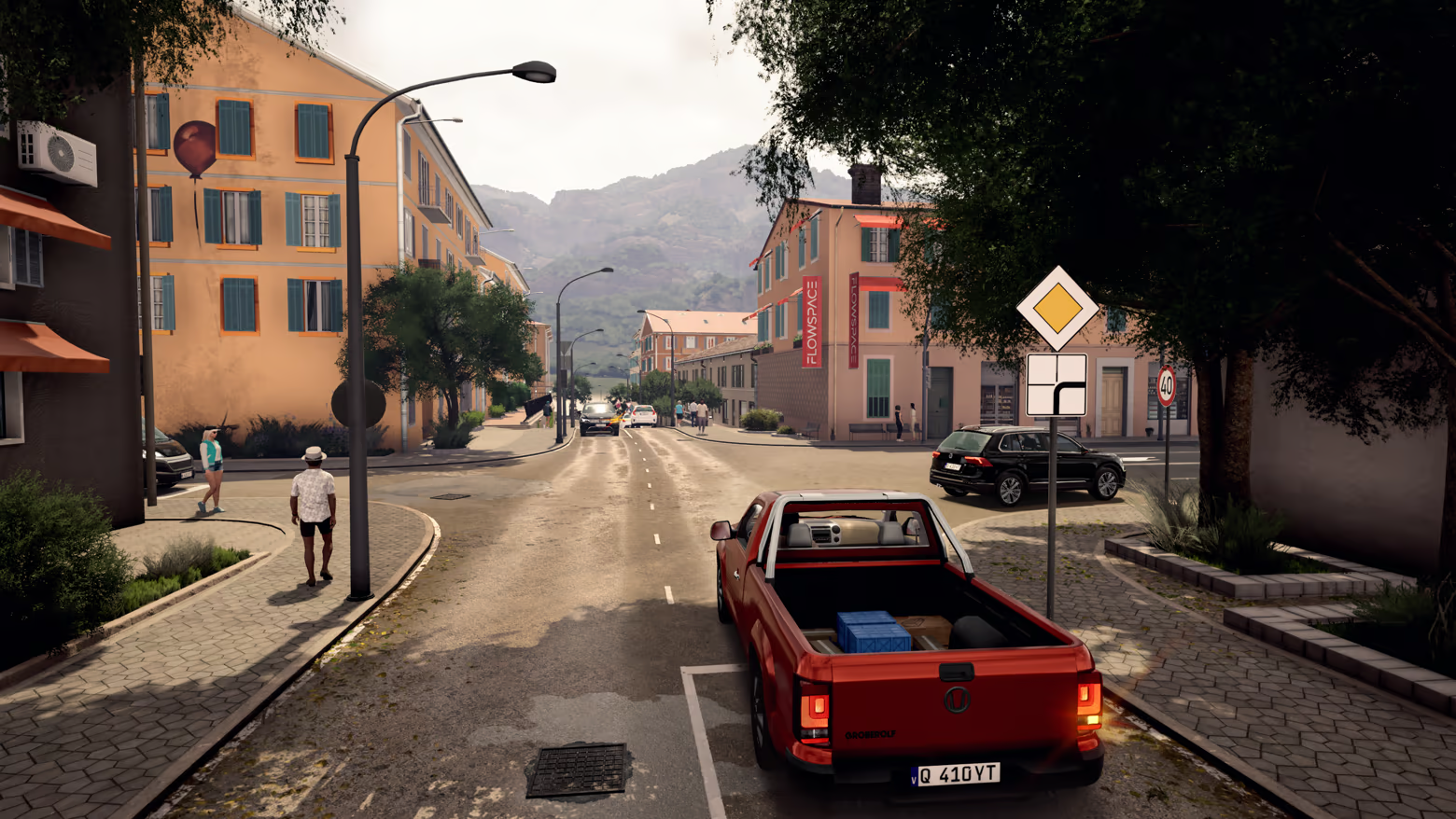

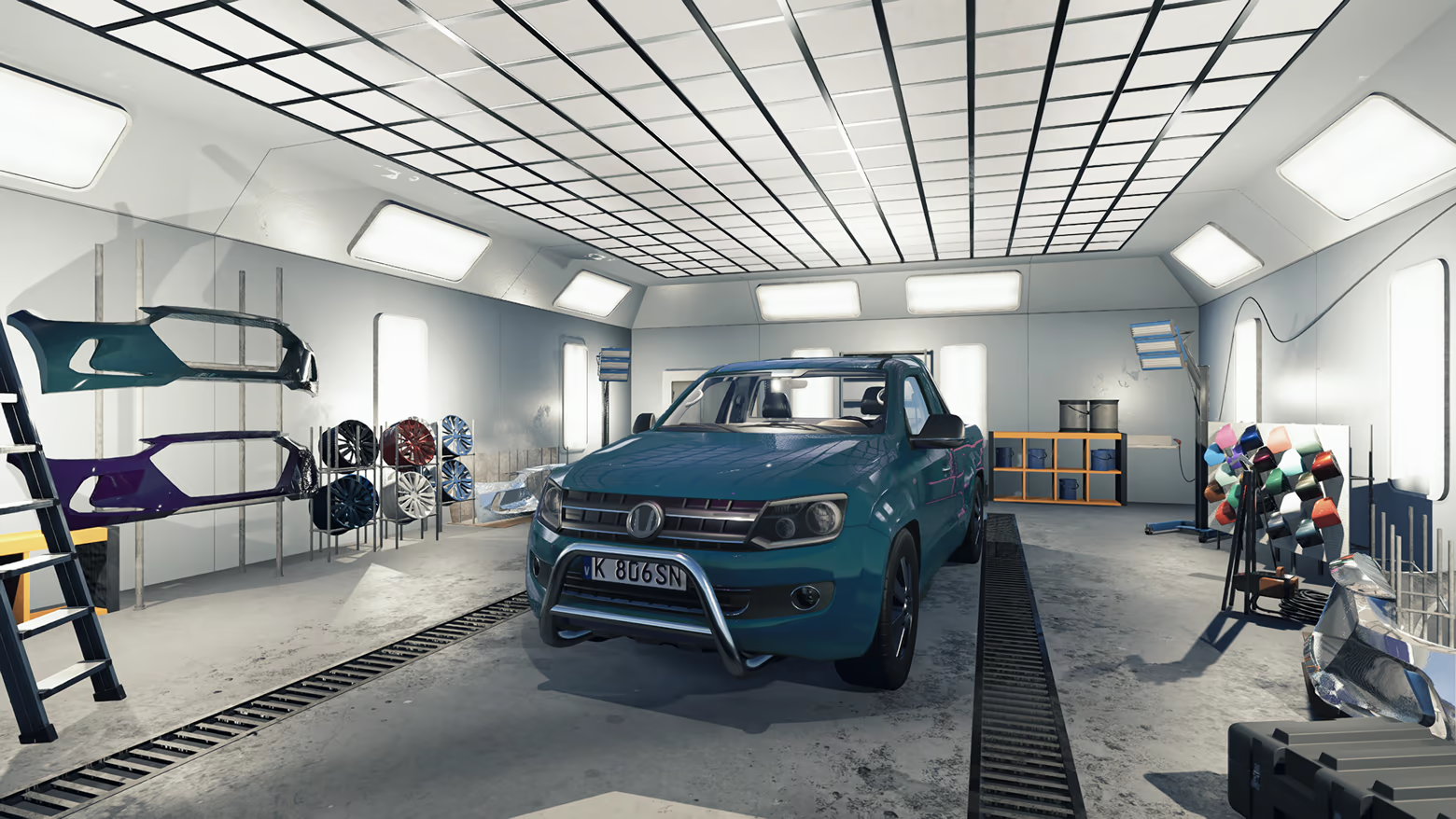

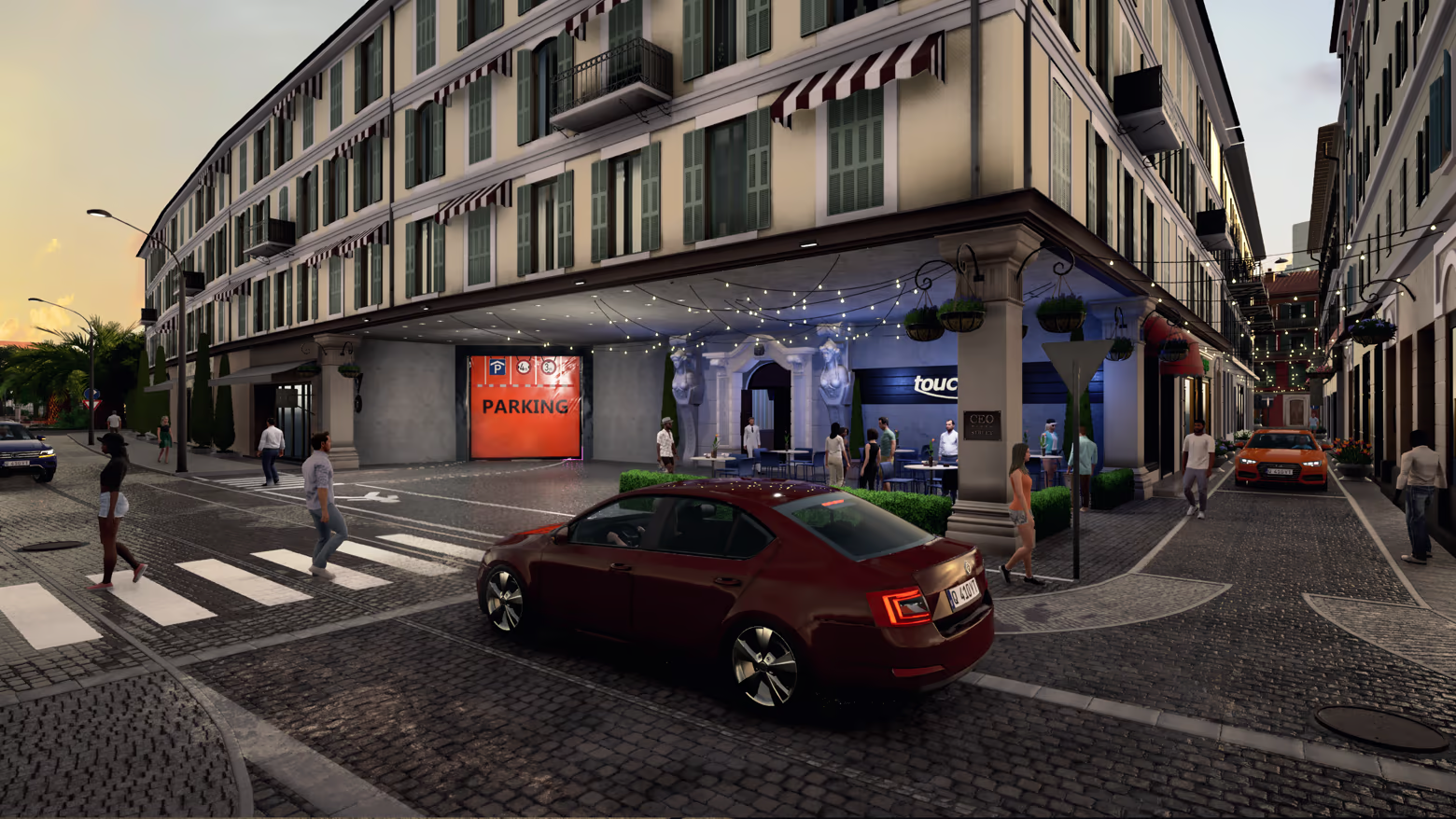

• AI vehicles obey traffic laws: strictly following regulations, traffic yields to pedestrians at crosswalks, respects speed limits, reacts to changing road conditions, and interacts with other vehicles.
• Every vehicle has unique behavior: each car in traffic acts differently, imitating various driving styles — from cautious beginners to aggressive drivers who stop at nothing.
• Traffic can make its own decisions: it can make mistakes, break rules, and handle situations on the fly — creating not only the atmosphere of a real road environment, but also unique gameplay!




The feel
Genres
Ways to play
- Single-player
Weak PC? It still plays
Play City Car Driving 2.0 on a weak PC
City Car Driving 2.0 needs at least 8 GB of RAM and 6 GB of VRAM. Cloud PC is a Windows computer with a strong GPU in the cloud. You control it from your laptop, phone or desktop.
Turn on Cloud PC
Log in to Thinkmay and start your machine. You get a Windows desktop of your own.
Install the game
Install City Car Driving 2.0 from Steam as you would at home.
Play on any device
Play on a laptop, phone or desktop. Controllers and microphones work.
More in the City Car series

Games with a similar feel
Atmospheric · Tense

Night Record: Thin Walls

Yatai 8

Super Night Riders S1

SilentDarkness

WorldDrive: Real Open-World Driving Simulator

Đồng Cỏ Lau - The Reed Field

Last Call

Infinite Museum

An Unknown Land

POOL LOOP

Esport Tactics

TIKTOKI: RACING

Do you remember?

Teamfight Manager 2

Deepclaim

Shadow Cocoon Demo

I Fell for Her

Aquarium Anomaly

ZONE 47

F1® 25: F1® The Movie - Chapter Scenarios

Sweet Home

BLIND SPOT

Venus: The Last Ascent
