

Falltone
Renan Destefani
Turn MIDI into a falling-note performance. Browse your library, follow notes on a synchronized piano, connect a MIDI keyboard, and listen through MIDI output or SF2 SoundFonts.
Overview
Roadmap
About the Software
Falltone is a Windows desktop app for visualizing, listening to, and performing MIDI music.
Load a MIDI file and watch every note travel across a responsive piano-roll timeline toward a synchronized 88-key keyboard. Connect a MIDI piano to see your playing in the visualizer, route notes to hardware or virtual MIDI ports, or listen through an SF2 SoundFont.
VISUALIZE YOUR MUSIC
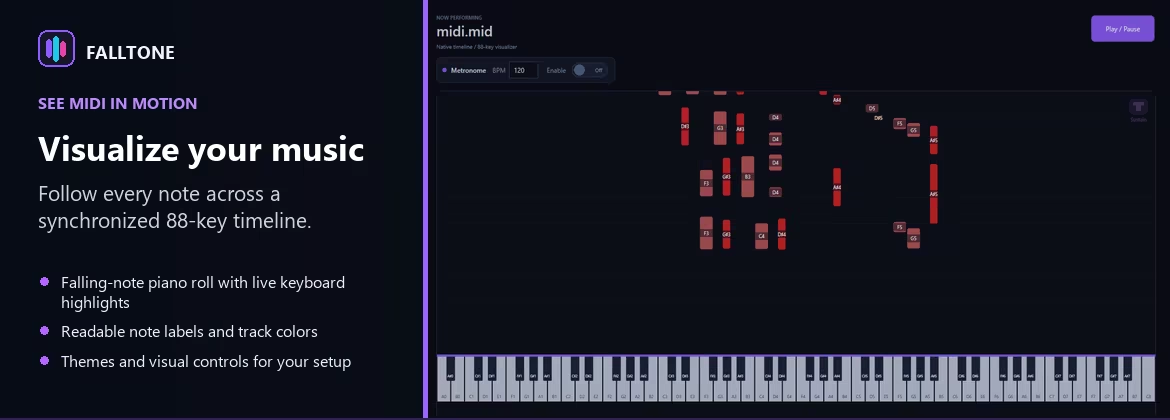
• Follow falling notes on a responsive piano-roll timeline.
• See active notes highlighted on the synchronized 88-key keyboard.
• Display note names on falling notes and piano keys.
• Customize themes, track colors, keyboard ranges, and visual panels.
PLAY AND PERFORM
• Browse large MIDI libraries using folders and search.
• Load songs only when you are ready to play them.
• Pause, resume, seek, stop, and adjust playback speed.
• Control velocity, audio volume, sustain, and MIDI output independently.
• Connect a MIDI keyboard and see pressed keys in the visualizer.
• Use an adjustable metronome as a guide while you play.
SHAPE THE SOUND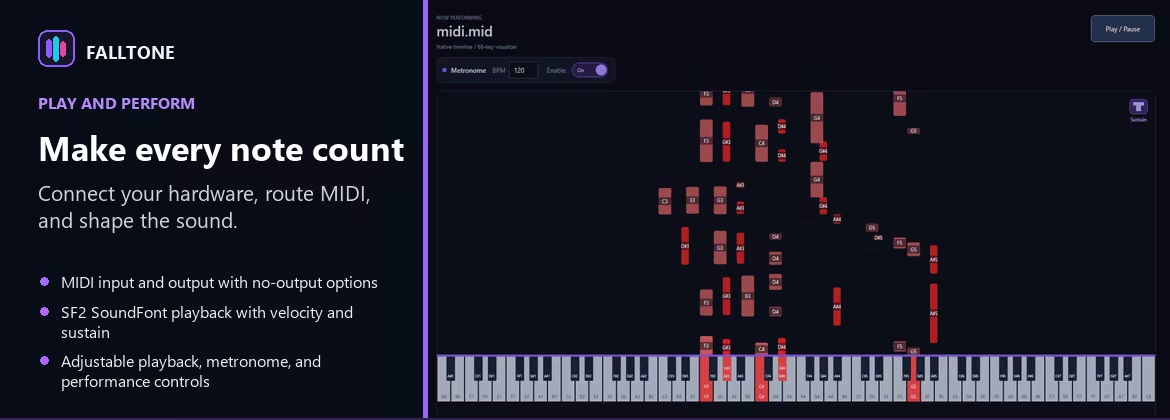
• Choose an SF2 SoundFont for local playback.
• Scan SoundFont folders and preload selected instruments.
• Preserve MIDI velocity and sustain data during playback.
• Route MIDI to a physical device, virtual port, or no output.
PLANNED FEATURES
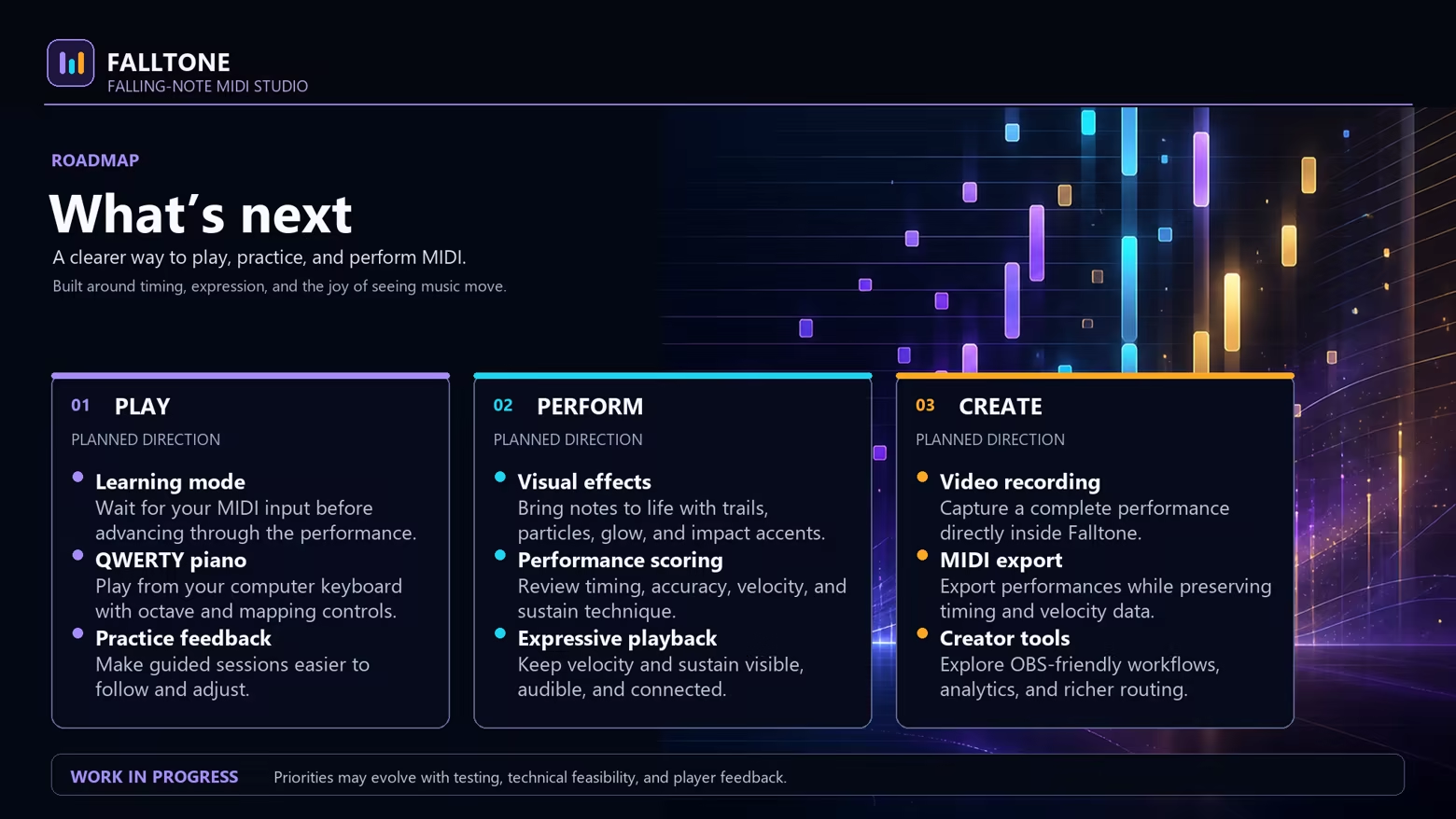
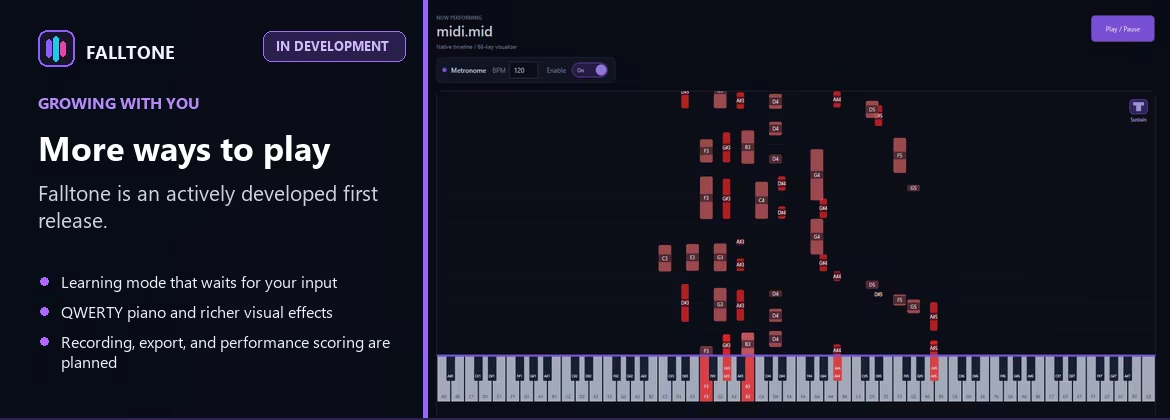
Falltone is an actively developed first release. Planned improvements include a learning mode that waits for your input, QWERTY piano keyboard support, richer visual effects, in-app video and MIDI export, and performance scoring.
The feel
Genres
Weak PC? It still plays
Play Falltone on a weak PC
Falltone needs at least 4 GB of RAM. Cloud PC is a Windows computer with a strong GPU in the cloud. You control it from your laptop, phone or desktop.
Turn on Cloud PC
Log in to Thinkmay and start your machine. You get a Windows desktop of your own.
Install the game
Install Falltone from Steam as you would at home.
Play on any device
Play on a laptop, phone or desktop. Controllers and microphones work.
Games with a similar feel
Chill · Relaxing

Ambient DM DLC - Commercial License

Movavi Video Suite 2026 Steam Edition - Good Game Pack

VideoPad Video Editor

Professor Teaches® PowerPoint 2013 & 365

Samplitude Music Studio 2019 Steam Edition

OVR Toolkit - Desktop Overlay

MPE Keys

HAELE 3D - Pose Studio Max - Anatomy Drawing References

Sort It!

Lumiric Stage

ECHO

The Book

GameMaker

VR360Viewer

ShaderTool

A Living Corner

ACTION GAME MAKER

OnecoinEngineer FC Volume 2

Discord Bot Engine

True Dice Roller - Plain Glass Dice

Zen Aquarium

VRPlayerSim

Controller Companion
