

PinoVMT
Fu-Hao Chen
Virtual Motion Tracker for PinoFBT 1.0/2.0, It emulates virtual joint trackers and makes installation on one click, and Calibrate Playspace anytime in Games or SteamVR playspace, and new Feet Stick prevent feet sink/float into ground with PinoFBT 2.0. Support auto-scan-for-PC-IP on PinoFBT 2.0.
Overview
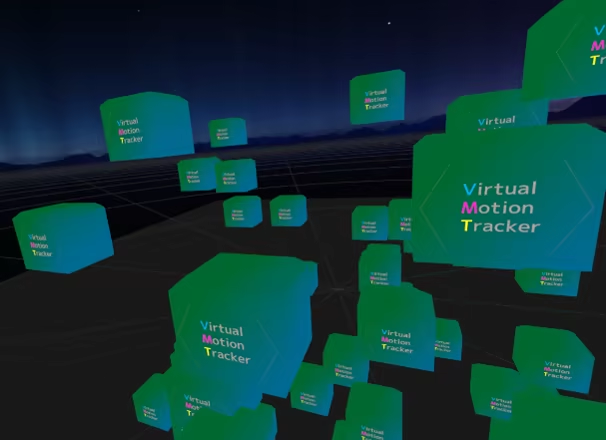
PinoVMT is easy to install as an overlay on SteamVR to avoid hassle installation of VMT (virtual motion trackers) on Github.
1. If you installed the VMT windows application before, uninstall it first.
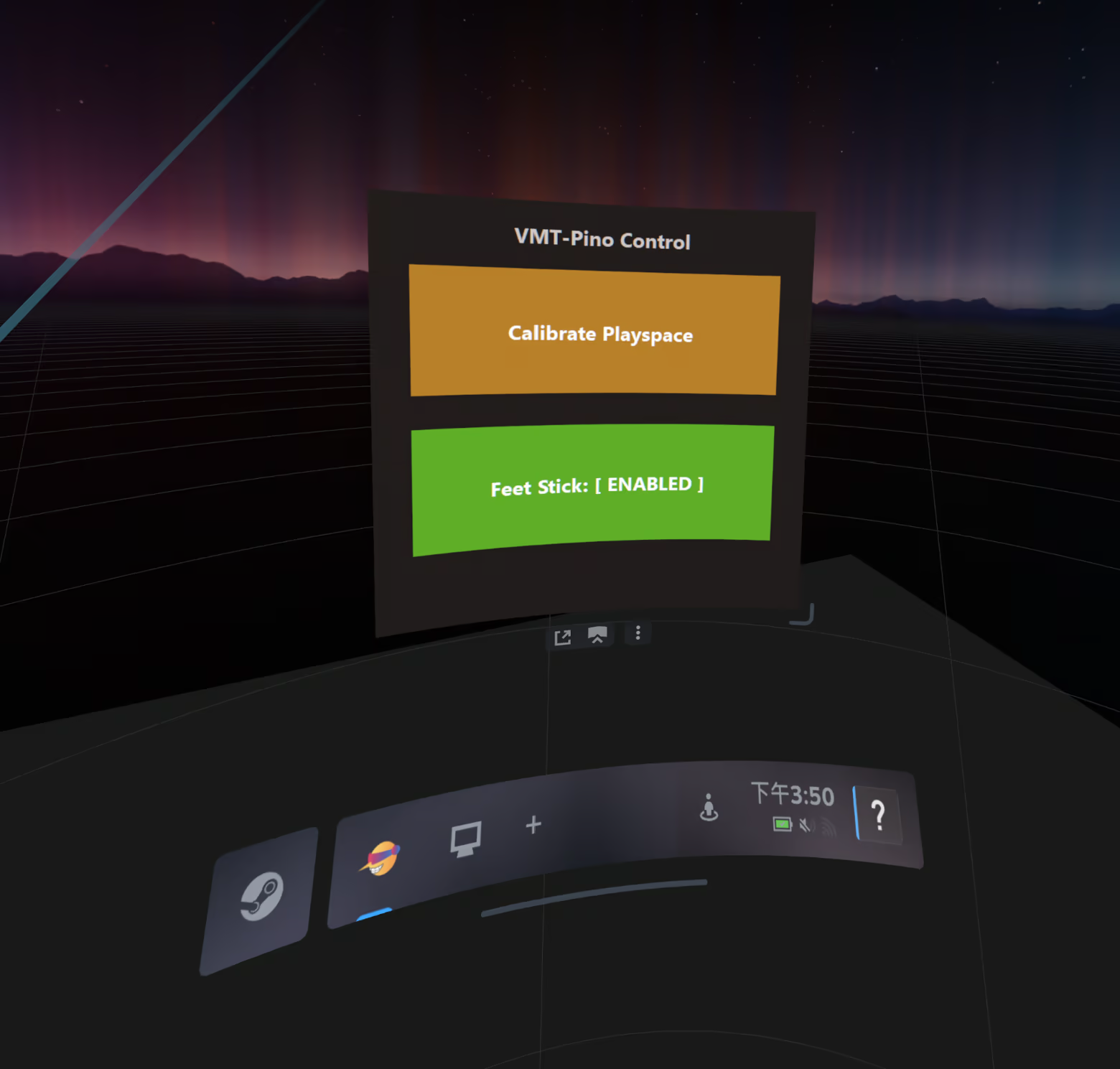
2. Calibrate Playspace: Reorient the Room's orientation no matter in SteamVR or games.
3. Feet Stick: Prevent feet sink/float into ground. (Only work with PinoFBT 2.0 on iOS)
4. It supports SteamVR games that support full body tracking, eg. VRChat, Blade and Sorcery, Dance Dash...
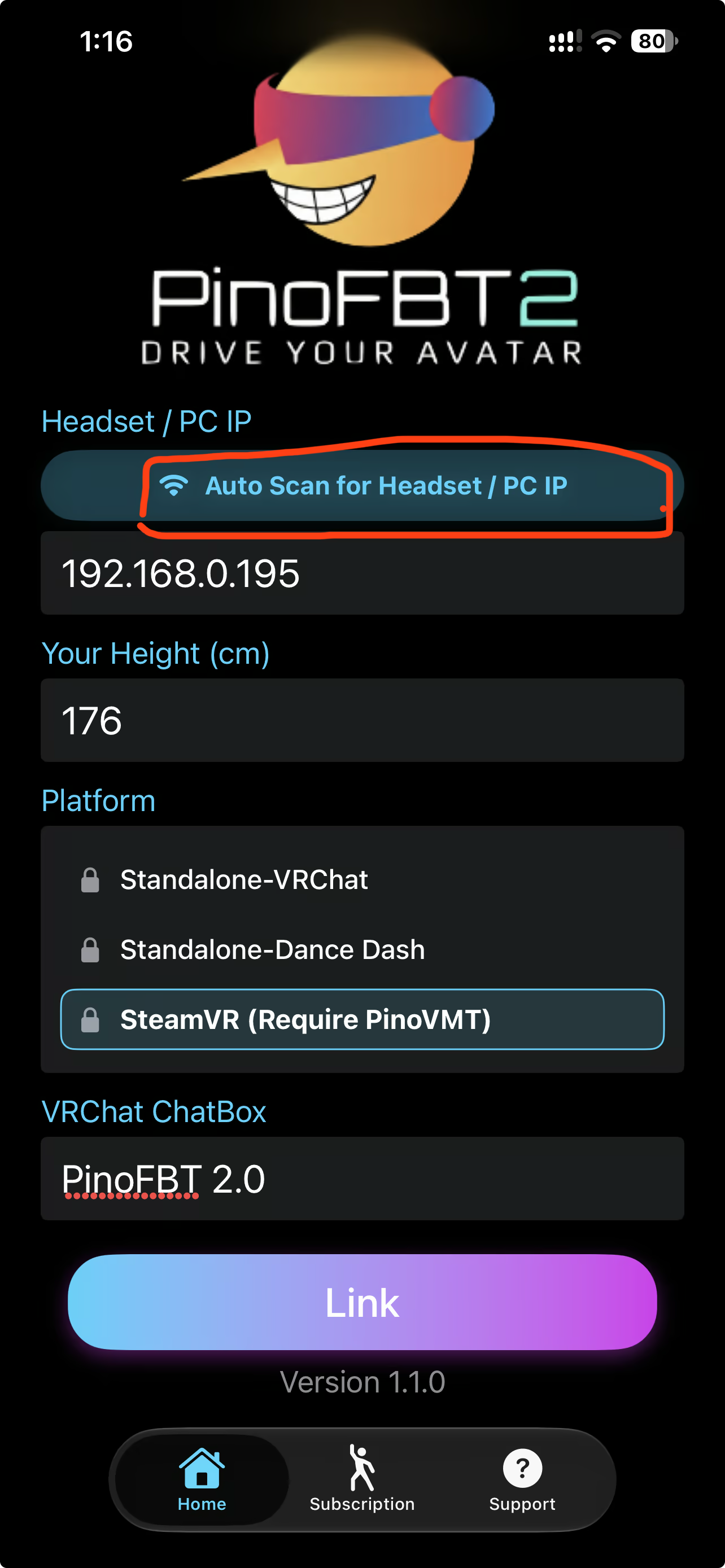
5. It supports "Auto Scan for Headset / PC IP" on PinoFBT 2.0 (v1.1.0 or later). Tap the Auto Scan button, it will automatically get the PC IP when PinoVMT is running with SteamVR.
Genres
Weak PC? It still plays
Play PinoVMT on a weak PC
PinoVMT needs at least 4 GB of RAM. Cloud PC is a Windows computer with a strong GPU in the cloud. You control it from your laptop, phone or desktop.
Turn on Cloud PC
Log in to Thinkmay and start your machine. You get a Windows desktop of your own.
Install the game
Install PinoVMT from Steam as you would at home.
Play on any device
Play on a laptop, phone or desktop. Controllers and microphones work.
Games with a similar feel

Screen Regions

Unitra: Real-Time Voice Translation For Gamers

Driver Booster for Steam

DeskFamiliar

Pocket Chief!

Evymind Clips: Automatic Highlights & Shorts

Special K

JSAUX PIXEL

RetroArch - A5200

Agebringer

20 More, Somehow Even Smaller, Mazes

市町村麻雀

Crystal Chatbox

AKASHA

Desktop Mate

推しマスコット - 姫生のーむ

Wallpaper Play

推しマスコット

Pomoroid

MOBA Manager 2026

DSARTS

Dream Simulators

LET IT DIE: Offline Key
